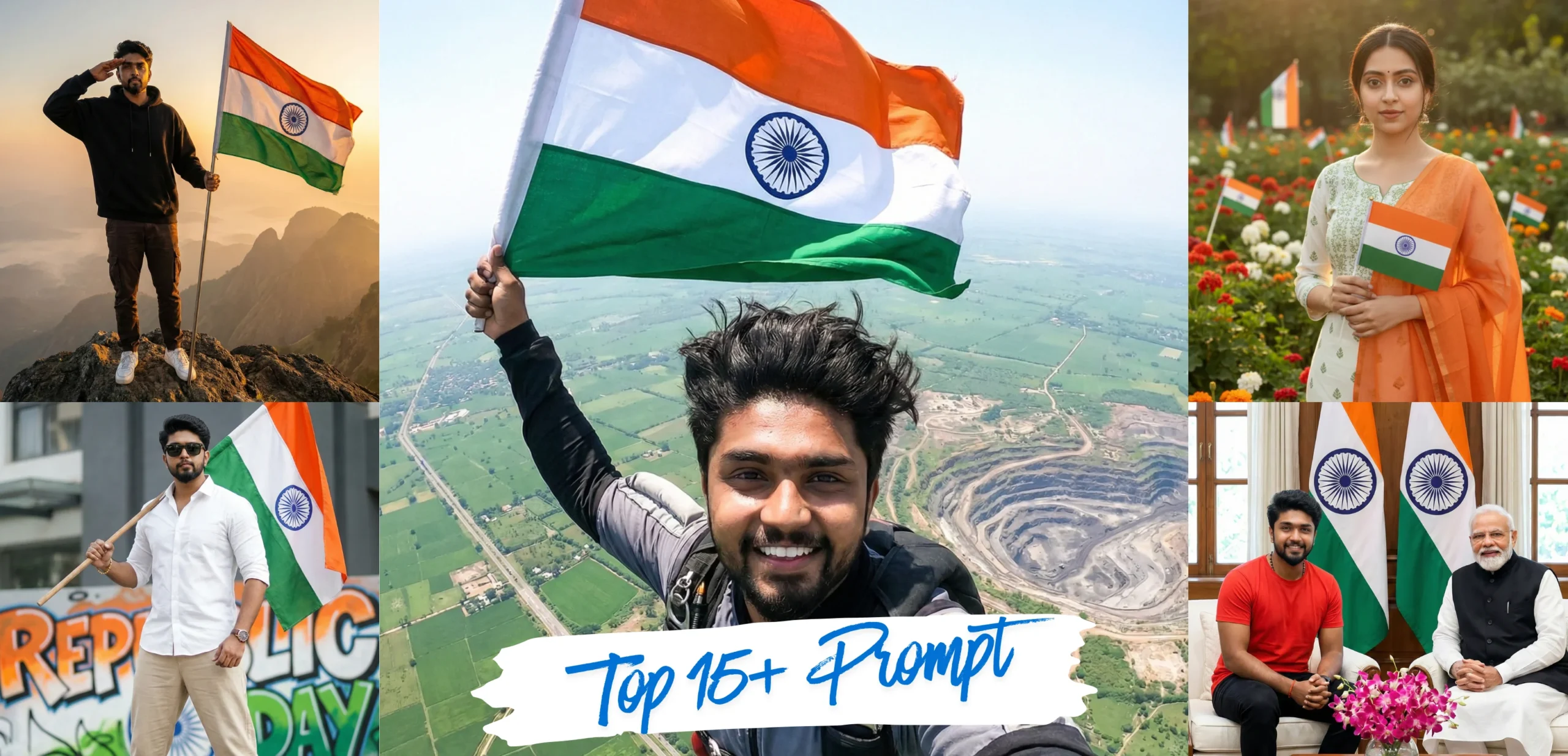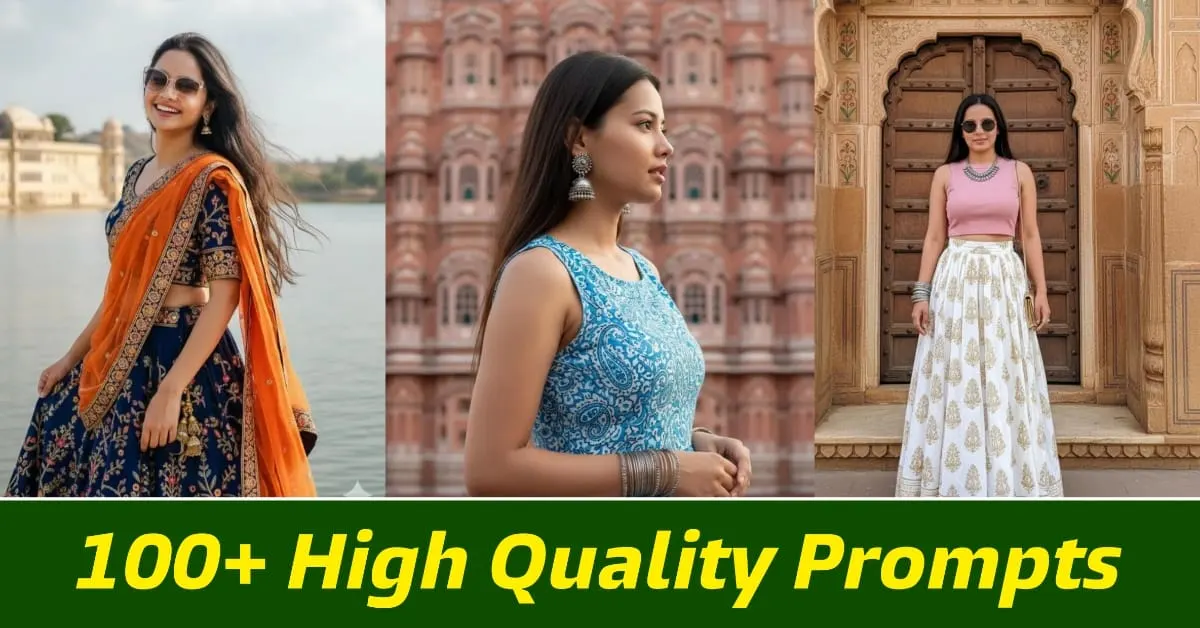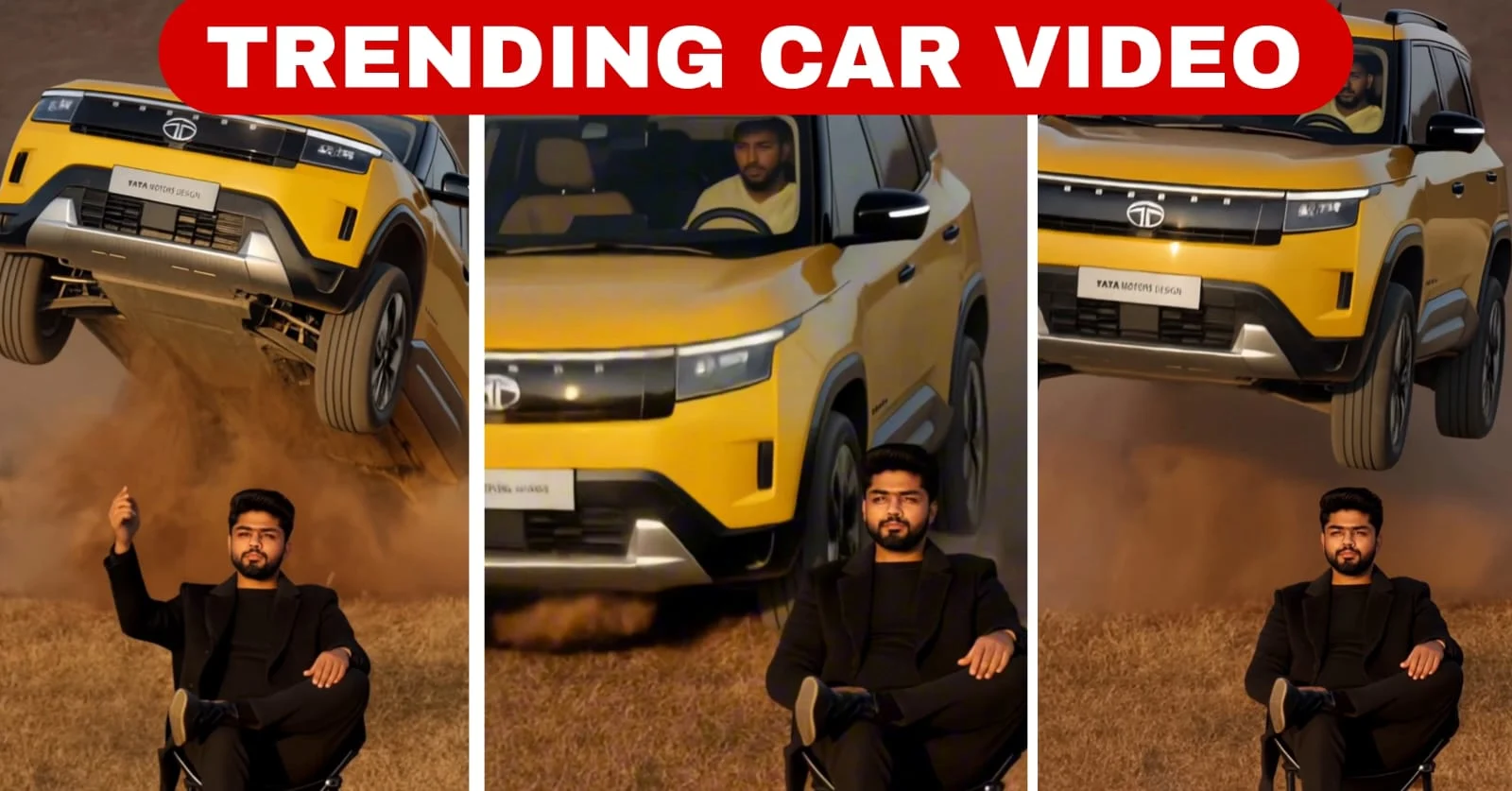
Typing a few words into an AI image generator is easy. Getting the picture you actually imagined is not. Most people type something like “boy on bike” and are disappointed when the result looks flat, random, or nothing like their idea. The difference between an average AI image and a stunning one is almost always the prompt. In this guide, you will learn a simple, repeatable way to write AI image prompts that give you sharp, realistic, and creative results in tools like Google Gemini, ChatGPT, Leonardo, and other popular generators.
What Is an AI Image Prompt?
A prompt is the text instruction you give an AI tool to describe the image you want. The AI reads every word and tries to turn it into visual details. A short, vague prompt forces the AI to guess, so it fills the gaps with generic choices. A clear, detailed prompt gives the AI fewer things to guess and more things to follow. Think of it like explaining a photo to a professional photographer who cannot see your mind: the more precisely you describe it, the closer the final picture will be.
The 6-Part Prompt Formula
You do not need to memorise complicated tricks. Almost every great image prompt answers six simple questions. Use them as a checklist every time you write.
1. Subject – Who or what is in the image?
Start with the main subject and make it specific. Instead of “a girl”, write “a young Indian woman in her twenties wearing a yellow cotton saree”. Mention age, clothing, expression, and pose if they matter. Specific subjects produce specific images.
2. Action – What is happening?
An image feels alive when the subject is doing something. “Smiling and holding a cup of filter coffee”, “walking through a crowded market”, or “looking out of a train window” all add story and emotion.
3. Setting – Where is it?
Describe the background and location: “a rainy street in Mangaluru at night”, “a quiet beach at sunrise”, or “a modern studio with a plain grey wall”. The setting controls the mood more than most beginners realise.
4. Lighting – How is the scene lit?
Lighting is the secret ingredient of professional-looking images. Try phrases such as “soft golden hour light”, “dramatic side lighting”, “neon reflections”, or “bright natural daylight”. Changing only the lighting can transform the same prompt completely.
5. Camera and Style – How should it look?
Tell the AI what kind of image you want: “realistic DSLR photo, 50mm lens, shallow depth of field”, “3D cartoon style”, “oil painting”, or “cinematic movie still”. Camera terms like close-up, wide shot, and low angle help you control the framing.
6. Quality and Details – What finishing touches?
End with details that improve sharpness and finish, such as “highly detailed”, “sharp focus”, “natural skin texture”, or “4K quality”. Also mention the aspect ratio if your tool supports it, for example “vertical 9:16 for Instagram Reels”.
Weak Prompt vs Strong Prompt: A Real Example
Weak prompt: “man with bike”
Strong prompt: “A stylish young man in a black leather jacket sitting on a classic red motorcycle, parked on an empty coastal highway at sunset, warm golden light on his face, wind in his hair, realistic photo, 85mm lens, shallow depth of field, cinematic colours, highly detailed, vertical 9:16.”
The strong prompt answers all six questions: subject, action, setting, lighting, camera style, and quality. The AI no longer has to guess, so the result looks intentional and professional.
Ready-to-Use Prompt Templates
Copy these templates and replace the words in brackets with your own ideas.
- Portrait photo: “A realistic portrait of [person description], [expression], wearing [clothing], in [location], [lighting], shot on 85mm lens, soft background blur, natural skin texture, highly detailed.”
- Festival edit: “[Person description] celebrating [festival] with [props such as diyas, rangoli, flowers], [location], warm festive lighting, vibrant colours, realistic photo, sharp focus.”
- Cinematic scene: “Cinematic movie still of [subject] [action] in [setting], [time of day], dramatic lighting, wide shot, film grain, rich colours.”
- Cartoon or 3D style: “A cute 3D cartoon character of [subject], [action], in [setting], soft studio lighting, Pixar-style, bright colours, clean background.”
Using Your Own Photo with AI Tools
Many tools, including Google Gemini, let you upload your own photo and describe how to change it. When editing a personal photo, be clear about what should stay the same. For example: “Keep my face and hairstyle exactly the same. Change the background to a snowy mountain at sunrise and dress me in a red winter jacket. Realistic photo, natural lighting.” Saying what must not change helps the AI protect your identity and avoids strange faces.
Common Mistakes to Avoid
- Being too vague: One- or two-word prompts give random results. Always add setting, lighting, and style.
- Mixing too many ideas: Asking for five subjects and three styles in one image confuses the AI. Keep one main idea per image.
- Contradictory instructions: “Bright sunny day at midnight” or “realistic cartoon” sends mixed signals. Pick one direction.
- Giving up after one try: Small edits, such as changing the lighting or camera angle, often fix a result. Treat prompting as a conversation.
- Ignoring the rules: Do not create misleading images of real people, copyrighted characters for commercial use, or anything harmful. Most tools will block these, and they can get your account restricted.
Quick Tips for Better Results
- Write prompts in clear, simple English. Natural sentences work as well as keyword lists in modern tools.
- Put the most important details first, since many generators give earlier words more weight.
- Save prompts that work well in a notes app so you can reuse and improve them.
- Generate several versions and pick the best one instead of expecting perfection the first time.
- Finish your image in an editing app for final touches like colour grading, text, or cropping.
Conclusion
Great AI images are not luck; they come from clear instructions. When you describe the subject, action, setting, lighting, style, and quality, you give the AI everything it needs to create what you imagine. Start with the templates above, experiment with lighting and camera angles, and keep your best prompts in a personal library. With a little practice, you will be creating eye-catching AI photos that stand out on Instagram, WhatsApp status, and YouTube thumbnails.
Frequently Asked Questions
Which AI tool is best for beginners?
Google Gemini and ChatGPT are easy starting points because you can write prompts in normal sentences and edit results by simply asking for changes.
Do longer prompts always give better images?
Not always. A prompt should be detailed but focused. Thirty to sixty well-chosen words usually work better than a very long list of unrelated keywords.
Can I write prompts in Kannada or Hindi?
Some tools understand Indian languages, but English prompts usually give the most accurate and consistent results today.