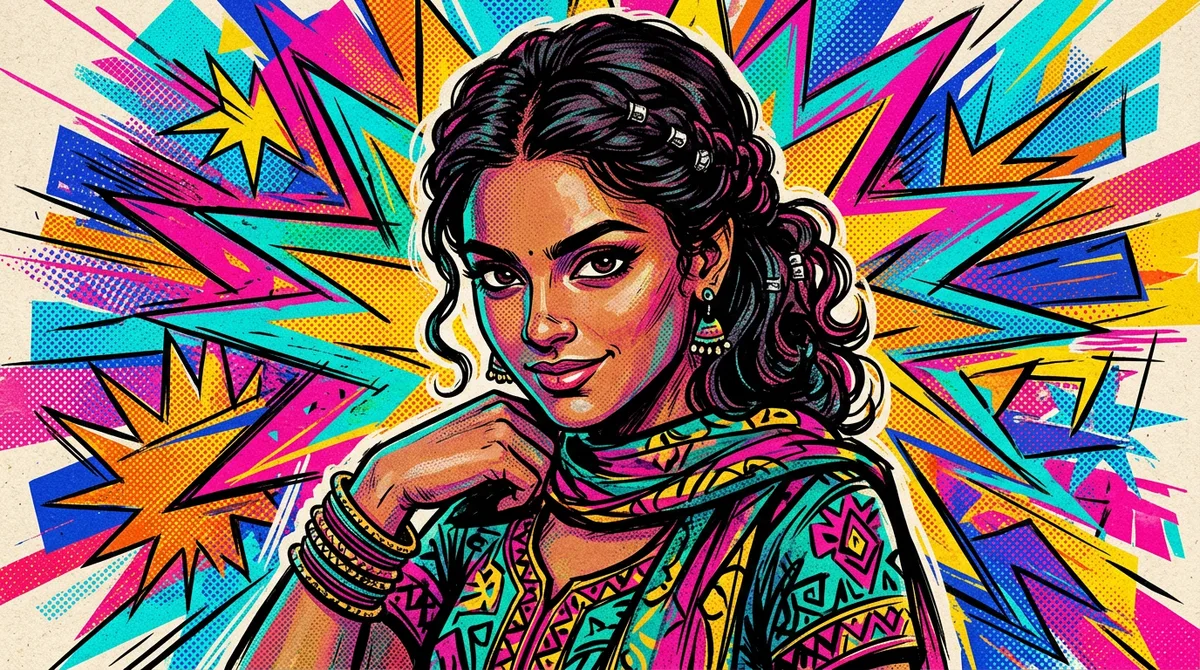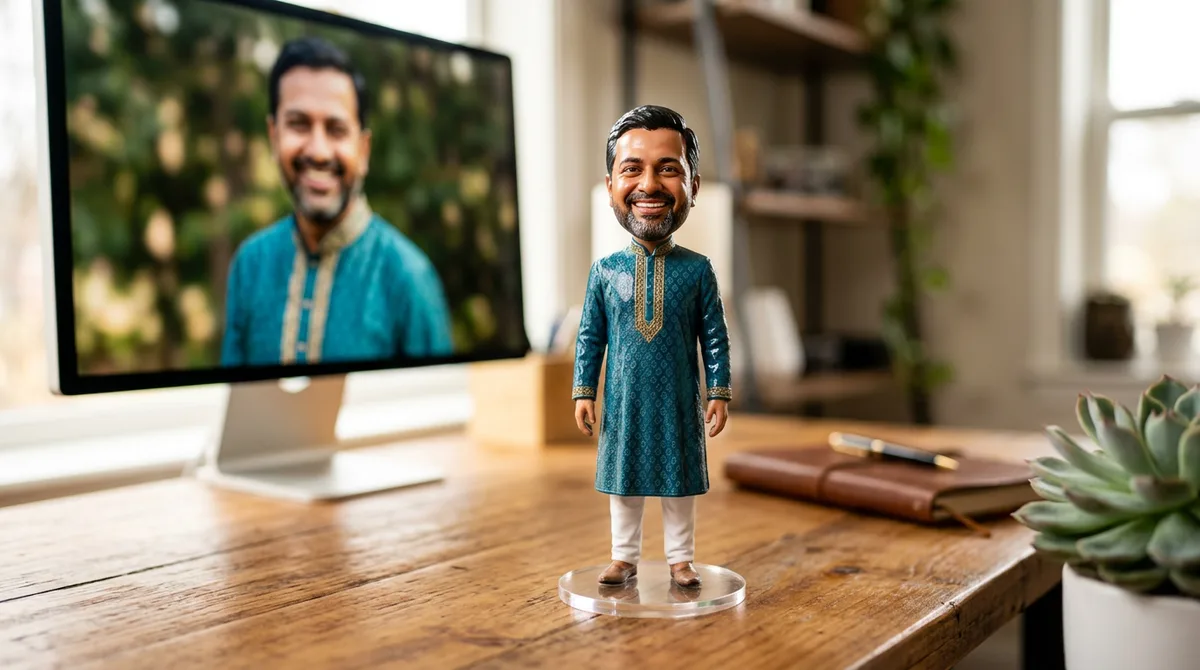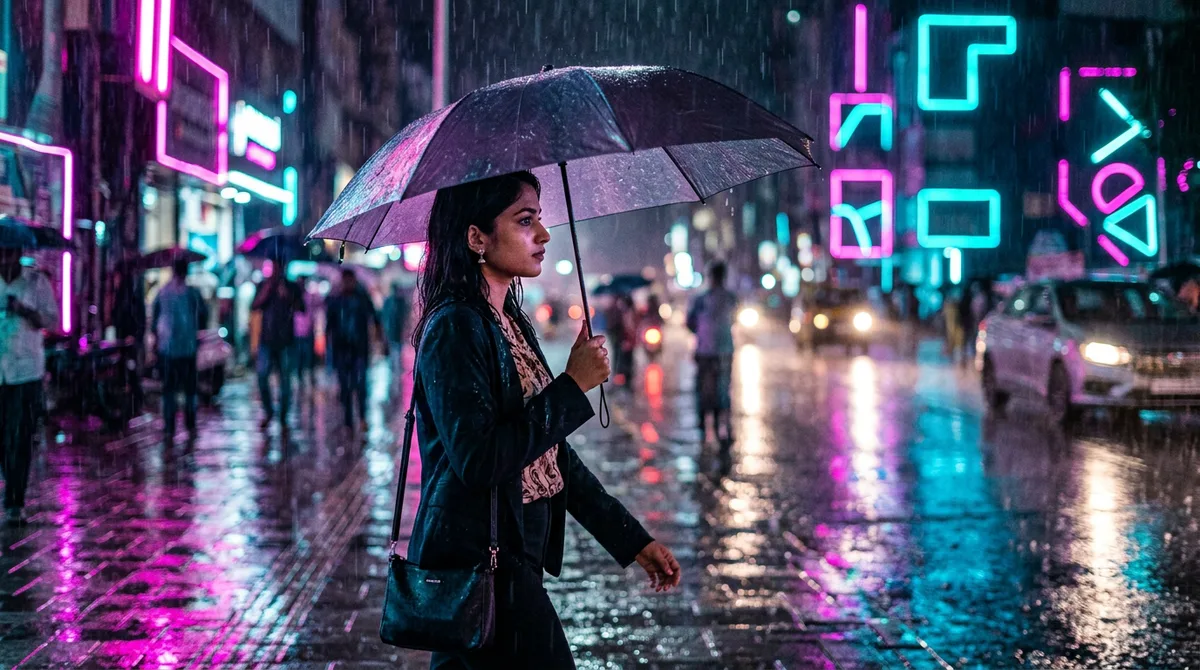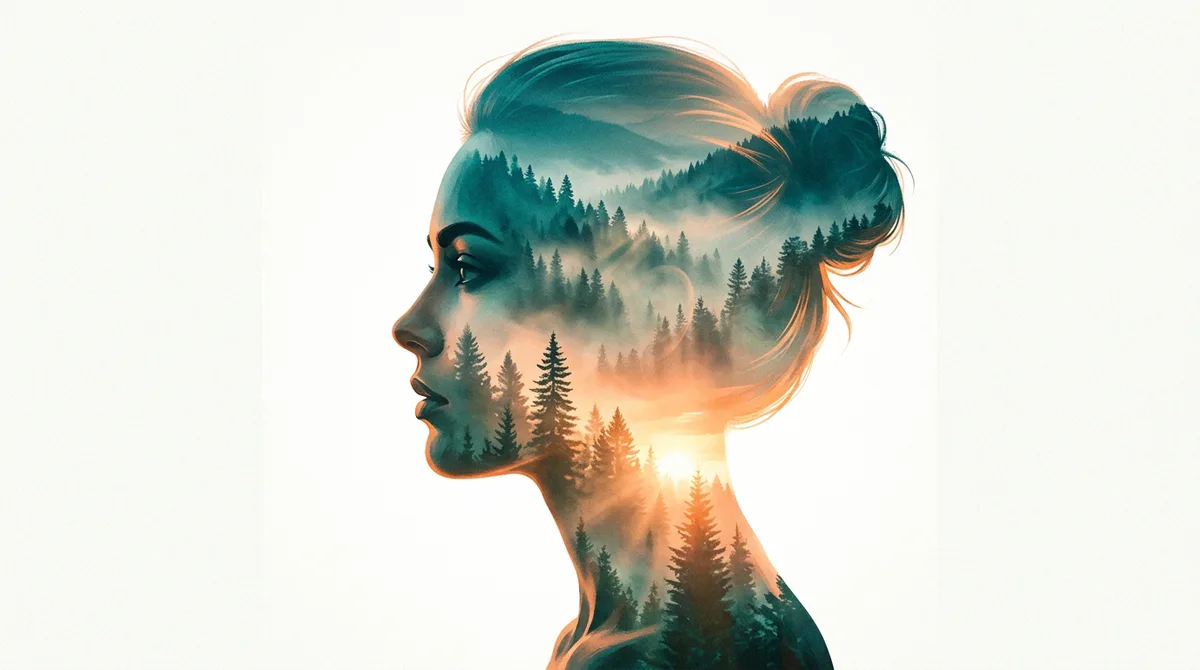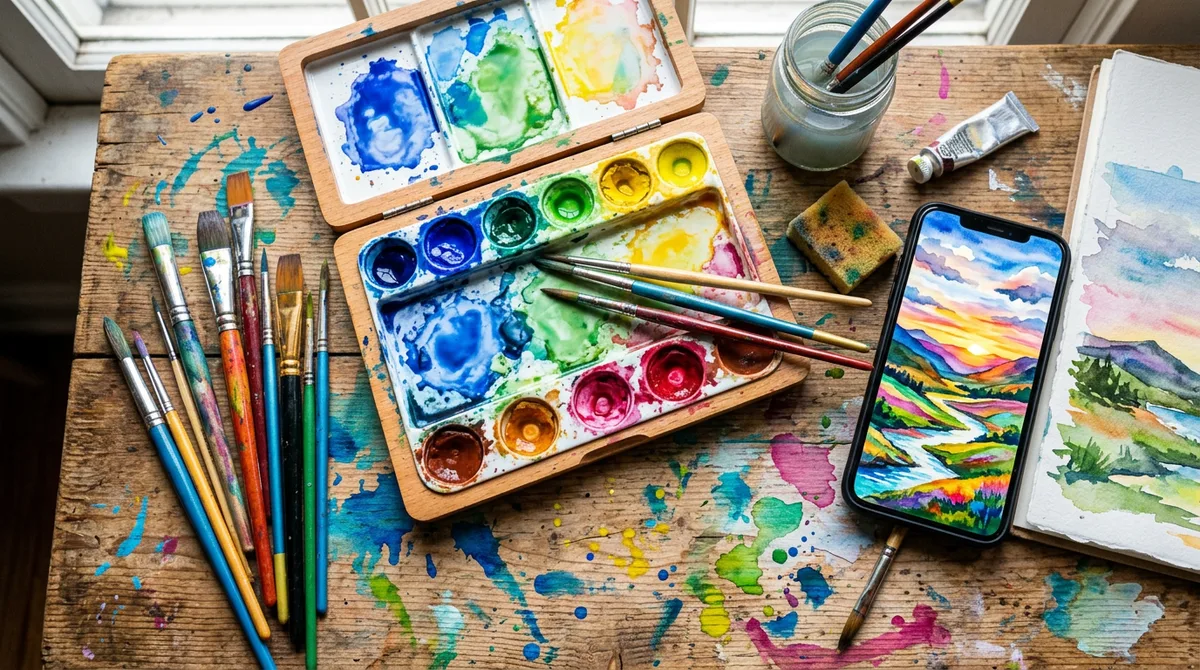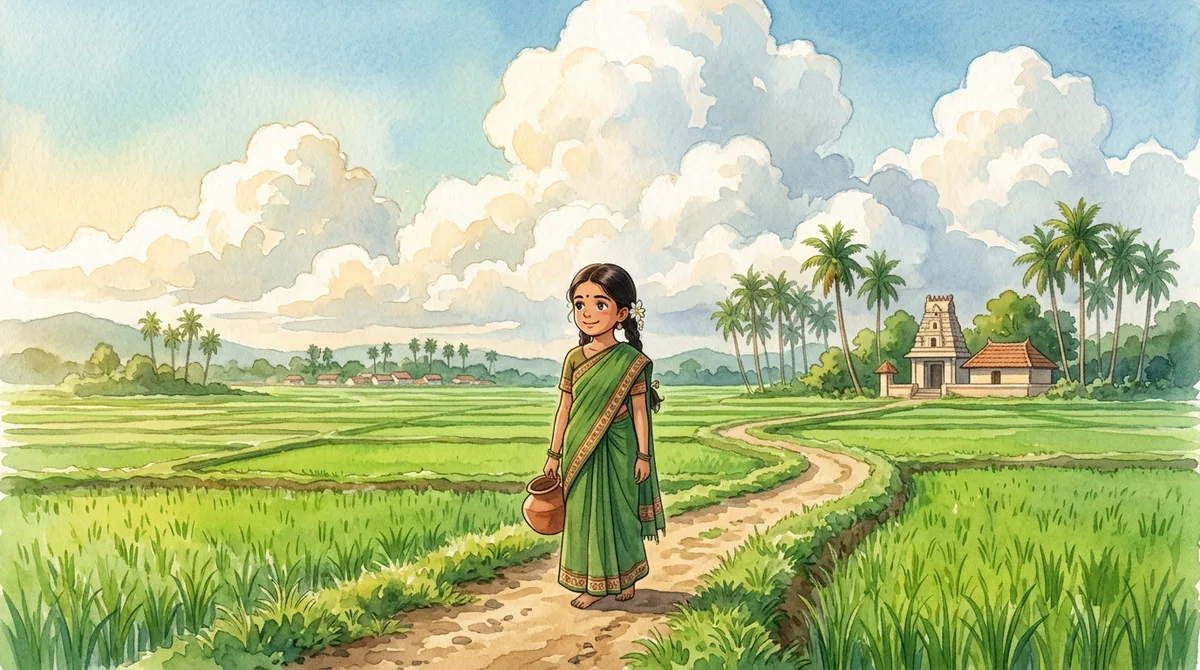
A good Gemini Ghibli style prompt can turn a normal phone photo into a soft, hand-painted anime scene with big clouds and warm light. It takes about a minute, but only if you describe the painting and not just the name of a film studio.
I tested this on saree portraits, a Mysuru Palace walk and a Coorg coffee estate. My first tries looked like a cheap cartoon filter. After a few evenings I found a pattern that gives a calm, painted feel every time. Here it is, with three prompts you can copy.
What a Ghibli-inspired look actually means
One honest note first. “Ghibli style” is a loose label people use online. You are not copying any film, you are asking for a look: hand-painted backgrounds, soft watercolour textures, simple friendly faces and very large clouds. If you type only the studio name, results are random. If you describe the look, results are steady.
These are the pieces I always include:
- Medium: “hand-painted anime film style illustration”, “soft watercolour backgrounds”.
- Light: “gentle morning light” or “golden hour”. Light decides the mood more than anything else.
- Sky: “giant fluffy cumulus clouds”. This is the signature of the style.
- Details: two or three real objects from your place, like jasmine, a filter coffee glass or a coconut tree.
- Safety line: “No text, no logos, no watermark.”
The master Gemini Ghibli style prompt
Upload your photo, then paste this and replace the brackets:
Master prompt: Turn this photo into a hand-painted anime film style illustration of [person and clothes] at [place]. Soft watercolour backgrounds, [light], giant fluffy clouds, painterly details, warm nostalgic colours. Keep the face and hairstyle recognisable. No text, no logos, no watermark.
The line “keep the face recognisable” matters. Without it, Gemini invents a new character and your friends will ask who it is.
Keep the prompt under about 70 words. When I stuffed in ten adjectives, Gemini ignored half of them and the clouds disappeared first. Short and specific wins every time.
Example 1: Red silk saree at an old Mysuru window
I wanted a quiet, indoor scene with fine details, because small patterns are where styles usually break.
Prompt used: Hand-painted anime film style illustration of a young Indian woman in a red silk saree with jasmine in her hair sitting at a window of an old Mysuru house, soft watercolour backgrounds, gentle morning light, drifting clouds outside, painterly details, warm nostalgic colours. No text, no logos, no watermark.
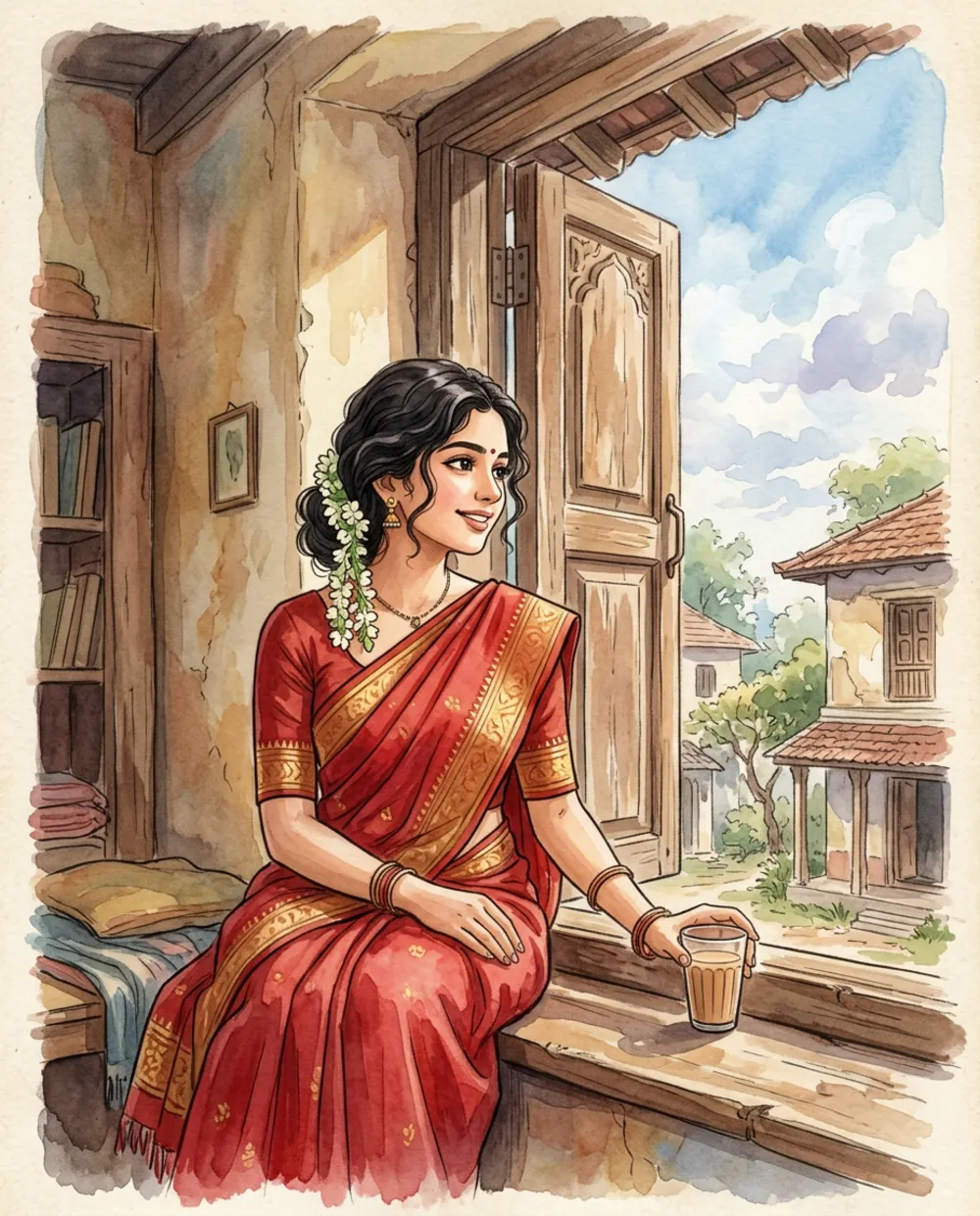
The gold border and jasmine survived because I named them. Gemini also added a glass of tea on the window ledge, which I liked, though I had not asked for it.
Example 2: Evening walk to Mysuru Palace
A wide scene with a landmark is where this style shines, since the sky does most of the work.
Prompt used: Hand-painted anime film style illustration of a young Indian man in a white kurta walking on a quiet street toward Mysuru Palace at golden hour, lush trees, giant cumulus clouds, soft watercolour textures, calm nostalgic mood. No text, no logos, no watermark.
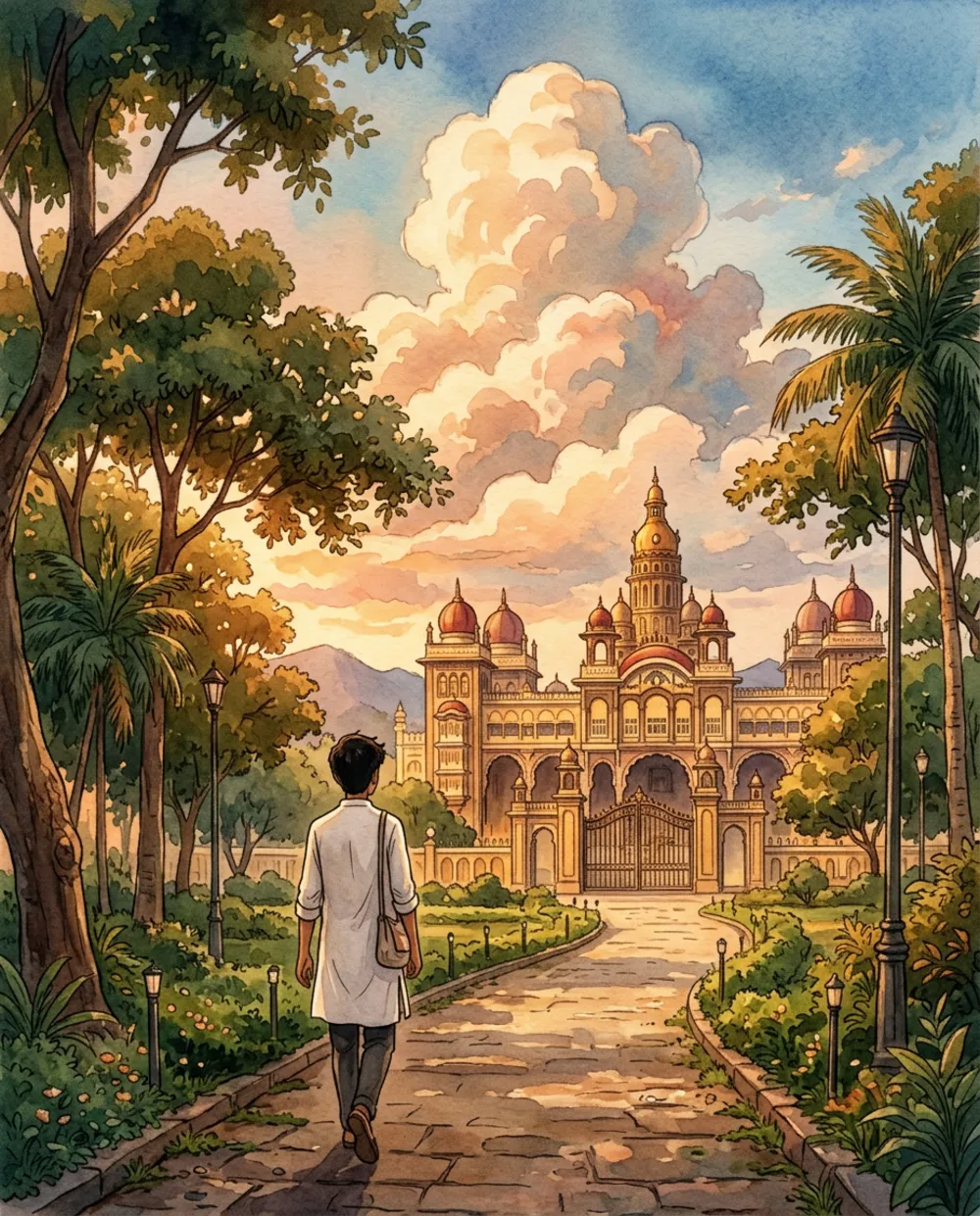
Seen from behind, the face problem disappears completely. If your photo is not sharp, a back view is the safest way to get a good painting.
Example 3: Filter coffee in a Coorg estate
Couples and family photos are harder, because two faces must stay stable. I kept the scene simple.
Prompt used: Hand-painted anime film style illustration of an Indian couple sharing filter coffee on a veranda overlooking a Coorg coffee estate in misty morning, soft watercolour backgrounds, cozy warm light, green hills, painterly. No text, no logos, no watermark.
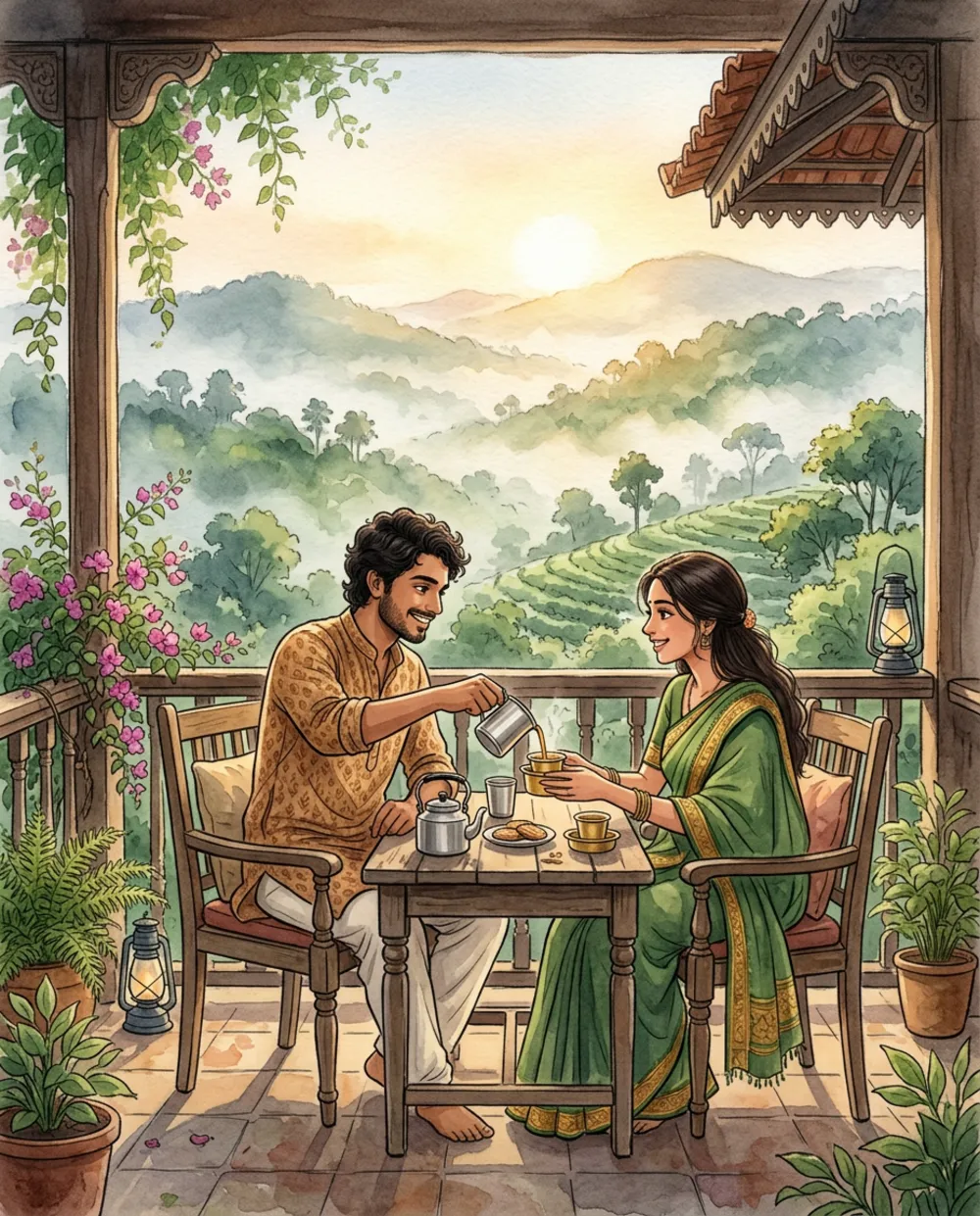
The mist over the hills came out beautifully. Both faces looked friendly but generic, so for a real couple photo I would upload the picture and repeat “keep both faces recognisable”.
Which look should you pick
- Indoor window scene: best for single portraits and profile pictures.
- Wide landmark walk: best when you have no good face photo.
- Veranda or landscape scene: best for couples, families and travel memories.
If you want realism instead of paint, my travel photo prompt is the better start. For a bolder graphic look, try the comic book prompt.
Choosing the right input photo
Most failures start before the prompt. The photo you upload decides how well the face survives, so spend thirty seconds choosing it.
- Face forward, even light. Side shadows get painted as dark patches on the cheek.
- One person is easier than three. For groups, generate each person separately and combine them in an editor.
- No heavy filters. Beauty filters already blur the skin, and the painting then looks empty.
- Simple clothes beat busy prints. A plain saree with a clear border paints better than a tiny checked shirt.
Prompt pieces you can swap
Once the master prompt works, change only one block at a time:
- Place: a Hampi boulder hill, a Udupi beach, a Bengaluru rooftop in the rain, a village temple tank.
- Light: “soft monsoon grey light”, “blue hour with lanterns”, “bright noon with sharp cloud shadows”.
- Mood word: “nostalgic”, “peaceful”, “adventurous”. Use one only, since two can fight each other.
The monsoon version surprised me. Grey light with wet green leaves looked more painterly than my sunny tries.
Fixing a Gemini Ghibli style prompt that goes wrong
It looks like a plastic cartoon
You probably wrote “cute” or “3D”. Replace them with “hand-painted”, “watercolour textures” and “painterly details”.
The face is not you any more
Upload a front-facing, well-lit photo and add “keep the face, hairstyle and skin tone recognisable”. Change only one thing per message afterwards.
Colours are too dull or too neon
Name the palette: “warm nostalgic colours” for soft tones, or “fresh green and sky blue palette” for brighter ones.
Strange letters on the wall or board
Ban text in the prompt, and still zoom in before posting. Add any caption later in Canva, as I explain in Kannada text on AI images.
A small workflow that saves time
- Run the master prompt once with your photo.
- If the face is right, ask for one change, like “add more clouds” or “make the light warmer”.
- If the face drifts, start a new chat and upload the photo again.
- Save the winning prompt in your notes and only swap the place and clothes next time.
Features and daily limits change, so check the official Gemini image generation page for what your account allows.
FAQ
Can I use these images commercially?
Rules depend on Google’s current terms, so read them before selling anything. For personal posts and profile pictures there is no problem.
Does it work without a photo?
Yes. Describe the person and place in words. The style is the same, but the face will not match anyone.
Why do my clouds look flat?
Say “giant fluffy cumulus clouds” and mention the light on them, such as “lit gold from the side”.
Will the same prompt work in ChatGPT?
The structure of medium, light, sky and details works in other tools. Small wording changes may be needed.
Wrap-up
Describe the painting, name the light, give it a big sky and ask for the face to stay recognisable. Try the Mysuru window scene first, then swap the place for your own town.