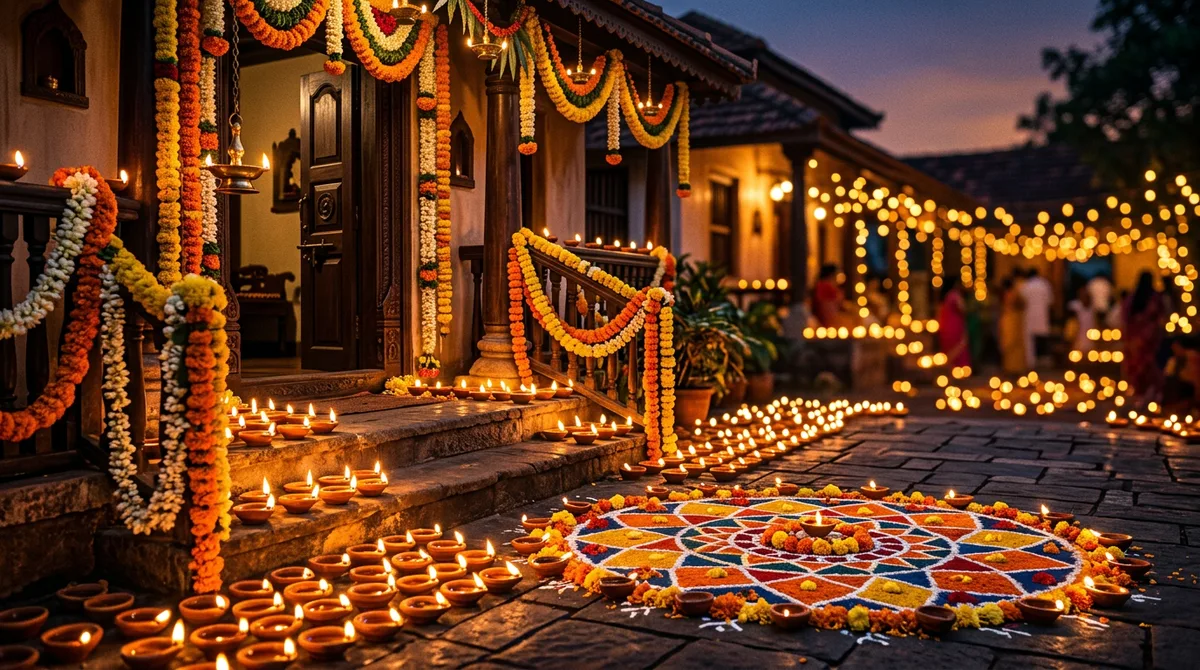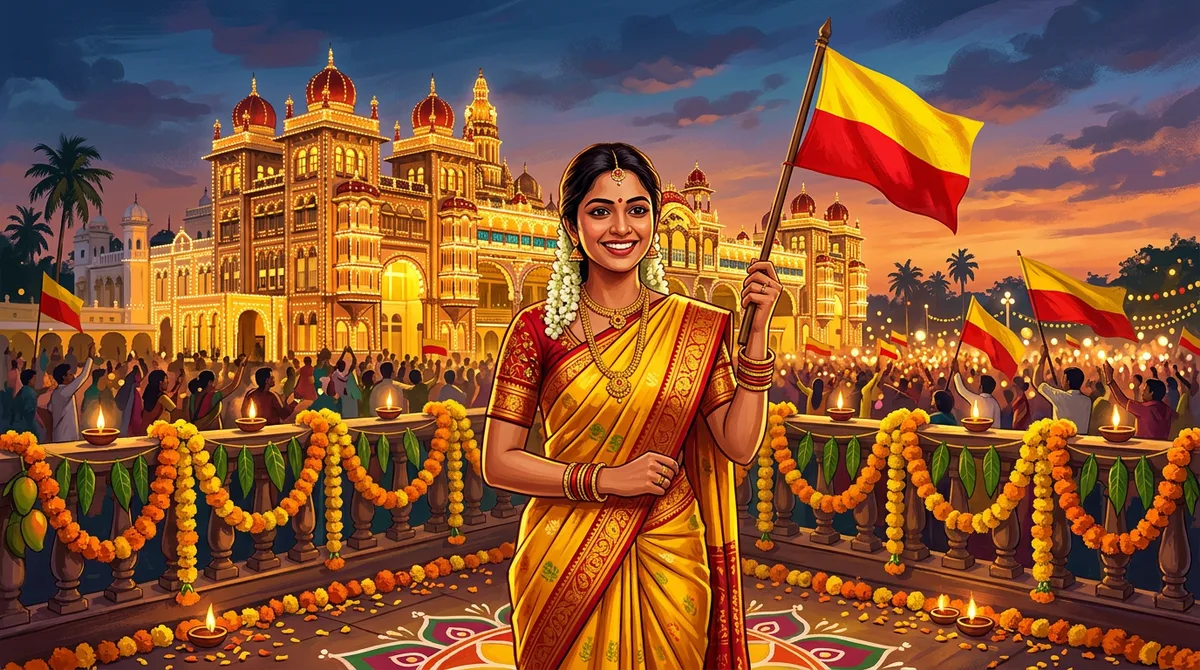
Every year around 1 November my phone fills up with Karnataka flag profile pictures, and most of them look the same: a flat red and yellow filter slapped on a selfie. This year I wanted something better, so I built and generated a set of Kannada Rajyotsava AI photo prompts until the sarees, the peta and the palace lights looked believable.
Below are three prompts I actually ran, the images they produced, and the wording choices that matter. The examples were made with an AI image generator without a reference photo, so with your own photo in Gemini or ChatGPT the result will differ a little. Copy them, change the details, and you will have a proper Rajyotsava portrait in a few minutes.
Why most Kannada Rajyotsava AI photo prompts fail
The usual prompt is something like “Kannada flag portrait, red and yellow, 4k”. The result is a person swallowed by a red-yellow gradient. The model has colours but no scene, no clothing detail and no light.
What works is the same formula I explained in my guide to writing AI image prompts: subject, clothing, place, light, and what to avoid. For Rajyotsava, the clothing and the place carry the whole mood, so spend your words there.
Before you start: colours and clothing words that help
- Flag colours: say “yellow saree with red border” or “red and yellow marigolds” instead of “red yellow theme”. The colours then appear in objects, not as a wash over the photo.
- Mysore silk: mention “Mysore silk saree” and “gold zari border”. Plain “silk” gives you a shiny Banarasi look.
- Peta: write “traditional Mysore peta, red and gold”. Without “Mysore” you often get a Rajasthani turban.
- Light: “golden hour” or “palace lit at dusk” keeps the warm tone natural.
Prompt 1: Mysuru Palace saree portrait
Upload a clear, front-facing photo first, then paste this. In Gemini or ChatGPT, attach the photo and paste the prompt.
A 4:5 vertical portrait of an Indian woman in a yellow Mysore silk saree with a deep red zari border, standing in front of the illuminated Mysuru Palace at golden hour. Red and yellow marigold garlands along the railing, soft background blur, natural skin texture, warm light. Keep the face from my uploaded photo unchanged. No text, no logos.
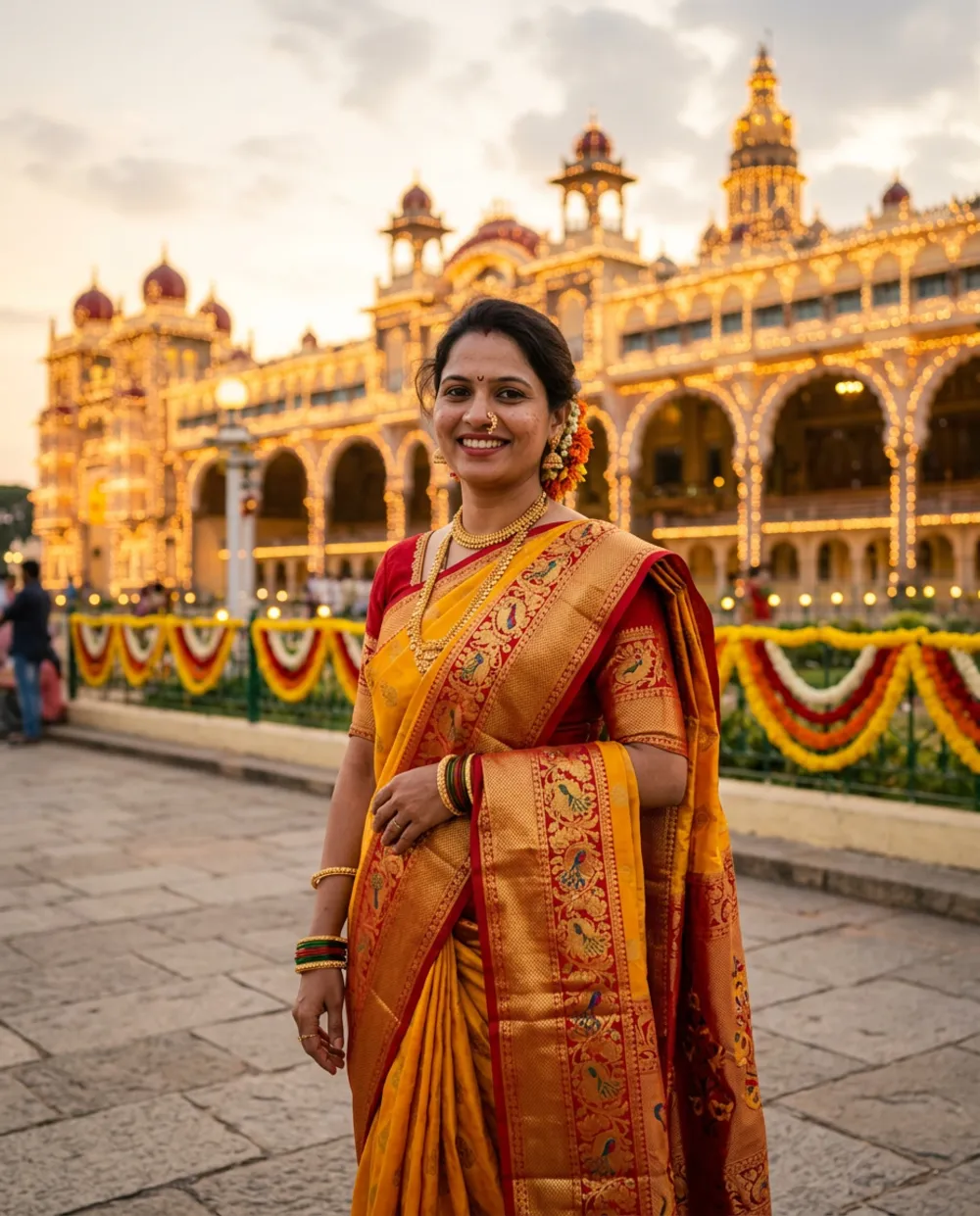
The line “Keep the face from my uploaded photo unchanged” is the important one. Without it, Gemini sometimes slims the face or changes the age. Swap “woman” for “girl” or add a flower in the hair if you like.
Prompt 2: Mysore peta portrait at Hampi
A portrait of a man wearing a traditional Mysore peta in red and gold, cream silk shirt with a red and yellow angavastra, standing between the stone pillars of Hampi at sunrise. Warm side light, shallow depth of field, realistic fabric detail. Keep my face and age exactly as in the reference photo. No text.
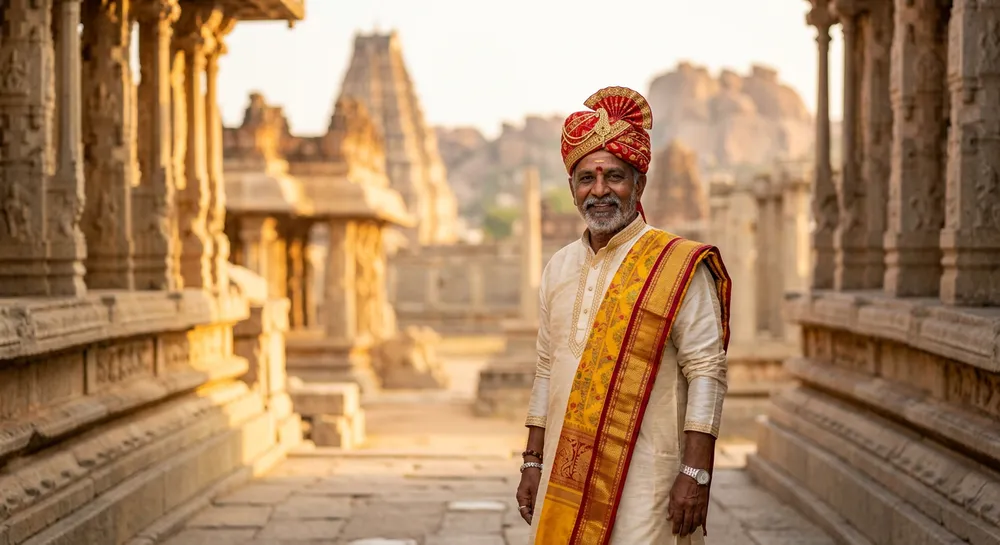
I like Hampi for men’s portraits because the stone pillars give straight lines and a warm background that does not fight the red turban. If the peta looks too modern, add “handwoven brocade, slightly worn edges”.
Prompt 3: Couple or family flag photo
A joyful family portrait: the woman in a yellow silk saree with a red border, the man in a cream kurta with a red and yellow shawl, holding a small red and yellow flag in front of the Stone Chariot at Hampi. Golden hour, candid smiles, realistic. Use the faces from my uploaded photo. No text, no watermark.
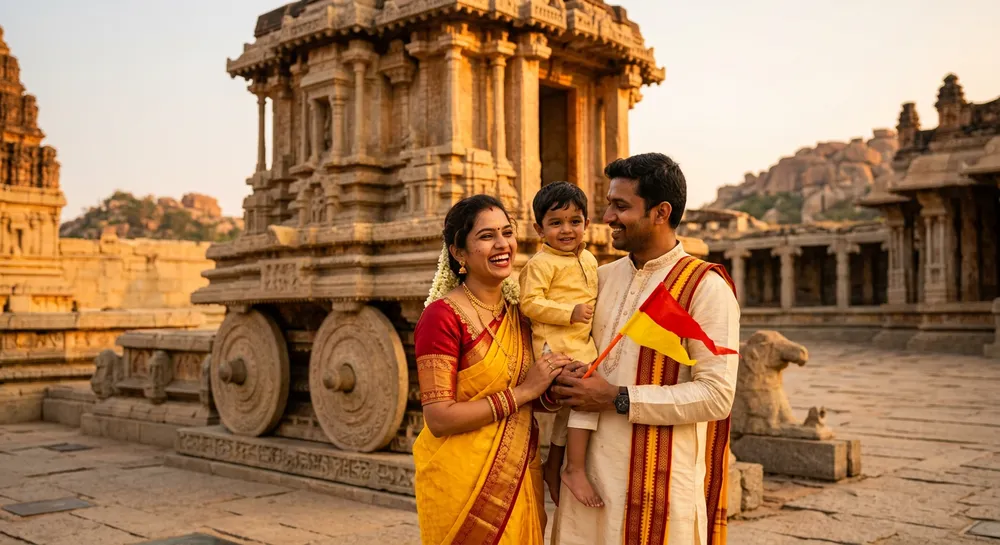
Group prompts are harder. With three faces, the model drifts, so I keep the scene simple and only one object (the flag) in hands. For the colours of the flag itself, mention “small yellow and red flag” and keep it a prop rather than a background.
How to tweak each result
- Run the prompt once and look at hands, jewellery and fabric border first. Those break before faces do.
- Change only one thing per retry. If you change the saree and the place together, you cannot tell what fixed it.
- Ask for a repair in plain words: “Same image, make the saree border thinner and the background less crowded.”
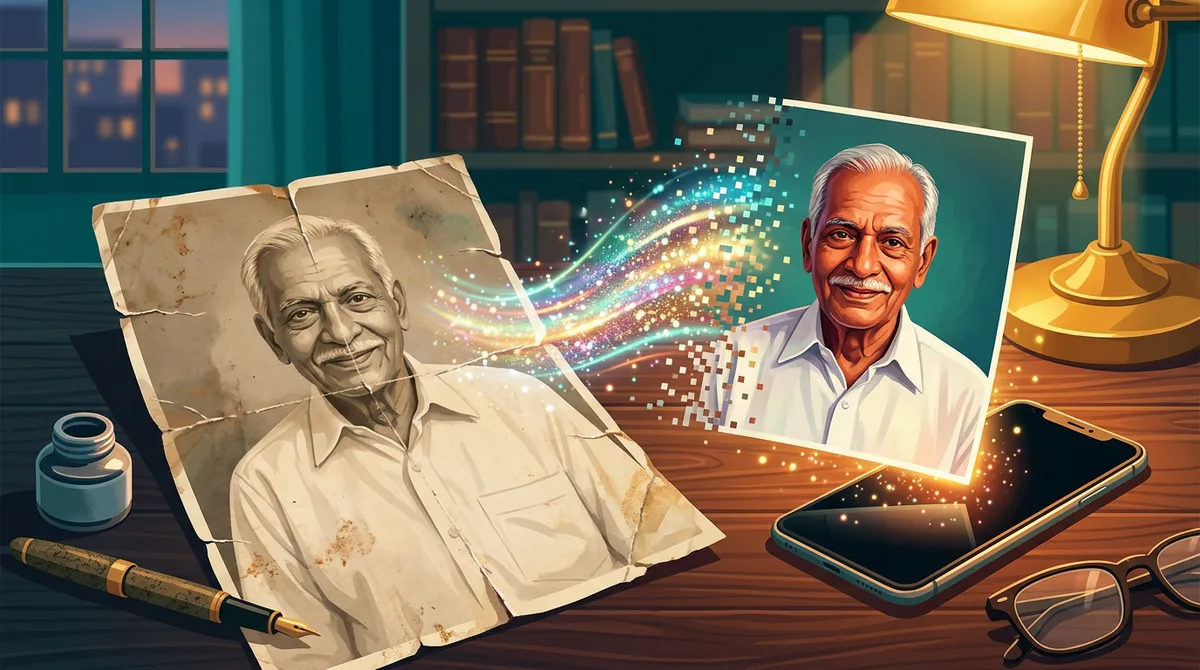
- For old family photos you want in the same style, restore them first using this Gemini restoration prompt.
The same approach worked for my Republic Day edits too; you can compare it with the 26 January photo prompt.
Why each detail in the prompts is there
A bare prompt like “woman in saree, Mysuru Palace, Rajyotsava” leaves the model guessing. Three details in my final prompts remove the guesswork.
- I named the fabric (“Mysore silk, gold zari border”) and the exact colours, so the saree comes out in the flag colours.
- I added “illuminated” and “golden hour”, which pushes the palace towards its famous bulb lights instead of flat daylight.
- I added “natural skin texture”, which helps avoid the airbrushed plastic look.
For the Hampi peta shot, words like “traditional Mysore peta, red and gold, fitted” keep the turban to a believable size. These are tiny wording choices, but they decide whether the picture feels like Karnataka or like a stock image.
Posting checklist for 1 November
- Pick the best result and view it at full size on your phone before you share it.
- Crop to 4:5 for Instagram and WhatsApp status; the vertical prompt already fits.
- Add the greeting text yourself in Canva or any editor, using a Kannada font that supports conjunct letters.
- Write a short caption in Kannada and mention that the image is AI-generated.
One more tip from testing: run each prompt two or three times and keep the best. AI image tools give a slightly different face, pose and background every time, so a later attempt is often the better one. Save the winning prompt in your notes with the exact wording, because small changes later can break what worked. If your photo is dark or blurry, fix the brightness first, since the model copies the lighting problems of the reference.
Common mistakes I see
- Using a real person’s face of someone else. Only upload photos of yourself or people who agree.
- Writing “Kannada text” in the image. AI still garbles Kannada letters. Add greetings later in Canva or a phone editor.
- Too many props. Flag, lamp, garland and drum in one prompt gives a cluttered picture.
- Posting without a label. Mention that the picture is AI-generated so friends are not confused.
Wrap-up
Start with Prompt 1, since a Mysuru Palace saree portrait is the safest one to get right. Then adjust clothing and place for your own photo. You can try the prompts in Gemini and save the best one before 1 November. Happy Rajyotsava.
FAQ
Which tool is best for Kannada Rajyotsava AI photo prompts?
The prompts are written for Gemini and ChatGPT’s image feature. The example images here came from a separate image generator, so expect your own results to differ a little.
Can I write Kannada text inside the AI image?
Not reliably. The letters usually come out broken. Generate the picture without text, then add the greeting in an editing app.
Why does my face look different in the result?
Add a line telling the model to keep the face unchanged, and upload a sharp, well-lit front photo.
Are these prompts free to use?
Yes. Copy and adapt them. Free-plan limits on image generation depend on your Gemini account.