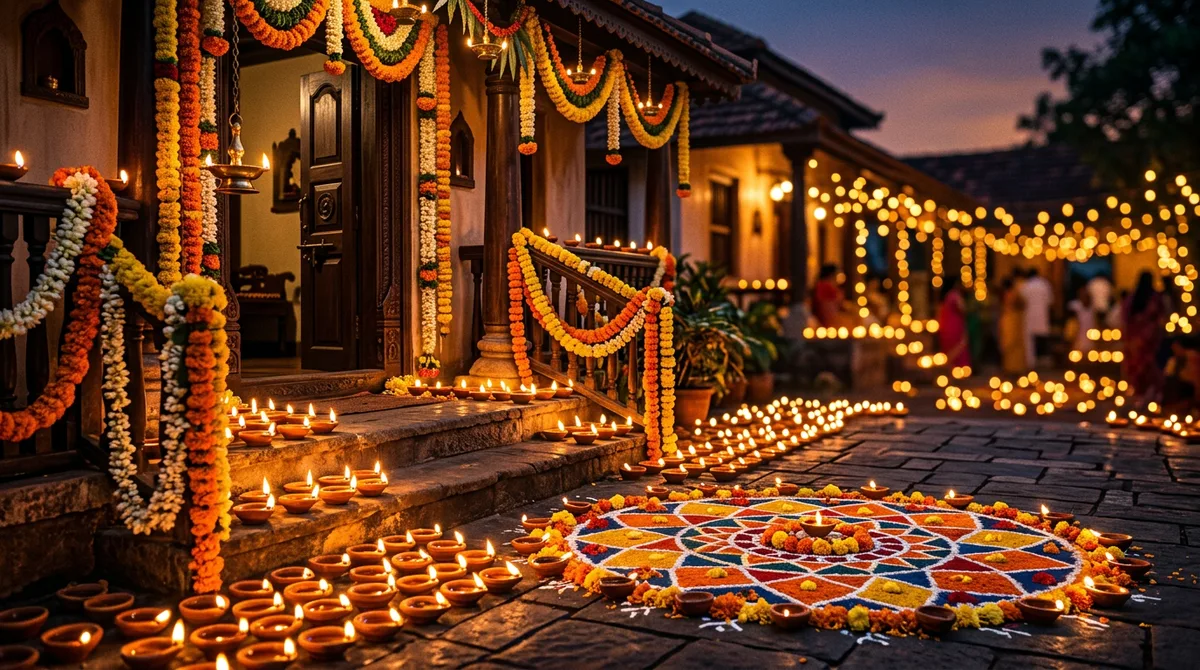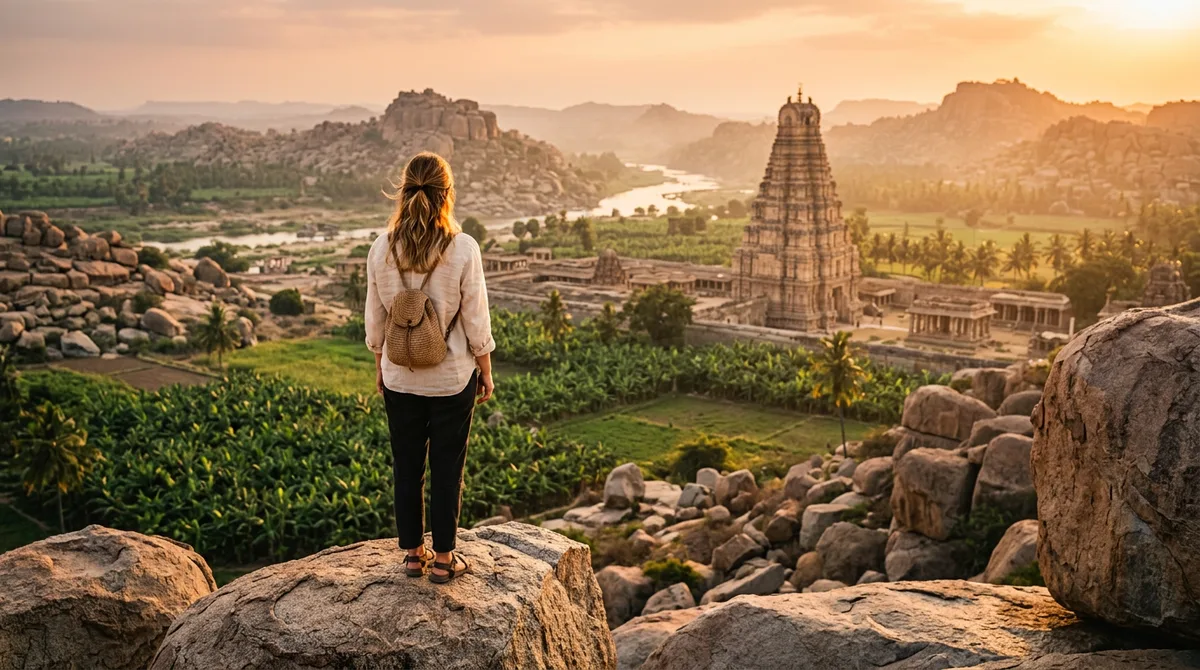
Every Karnataka trip ends the same way: a phone full of photos where the sky is white, strangers are in every frame, and the Hampi boulders look flat. So I started building a Gemini travel photo prompt that fixes those problems, and I tested it on three places I know well: Hampi, Coorg and Gokarna.
You can use it two ways. Generate a fresh travel scene from text, or upload your own photo and ask Gemini to rebuild the background. The wording below works for both, and it works in ChatGPT too.
Why a Gemini travel photo prompt needs a place, a time and a lens
“Me at Hampi, beautiful, 4K” gives you a postcard. Pretty, but nobody believes it. Real travel photos have three things the model needs to be told:
- A specific place. “Hampi” alone is too wide. “Boulder hill near the Vittala temple area, ruined stone mandapa behind” gives the model something to draw.
- A specific light. Say “sunrise, low golden side light” or “overcast, soft, misty”. The word “beautiful” does nothing.
- A camera feel. “35mm lens, natural skin, slight film grain” pulls the result away from the glossy AI look.
Google’s own tips say the model reads conversational instructions and keeps a scene consistent across edits, so you do not need a 200-word spell. You need the right 40 words. The official summary is on the Google Gemini blog.
The five-part formula I use
Write the prompt in this order. It is the same order I check a photo in.
- Subject and action: who, doing what. Walking, laughing, sitting. A still pose looks fake.
- Clothes: plain and local. Faded denim jacket, cotton kurta, yellow raincoat.
- Place details: two or three real landmarks or textures.
- Light and weather: time of day plus one weather word.
- Camera and realism line: lens, skin, grain, plus what to leave out.
Here is the skeleton: [subject doing action], wearing [clothes], at [place with 2-3 details], [light and weather], [lens] look, natural skin, no text, no watermark.
Prompt 1: Hampi at sunrise
This one is for a solo traveller shot. I wanted the stone pillars to feel old and the light to hit from the side so the rocks get texture.
Prompt: Candid travel photo of a young Indian man in a faded denim jacket walking on the boulder-strewn landscape of Hampi at sunrise, ruined stone mandapa behind him, soft golden side light, 35mm lens look, natural skin, slight film grain. No text, no watermark.
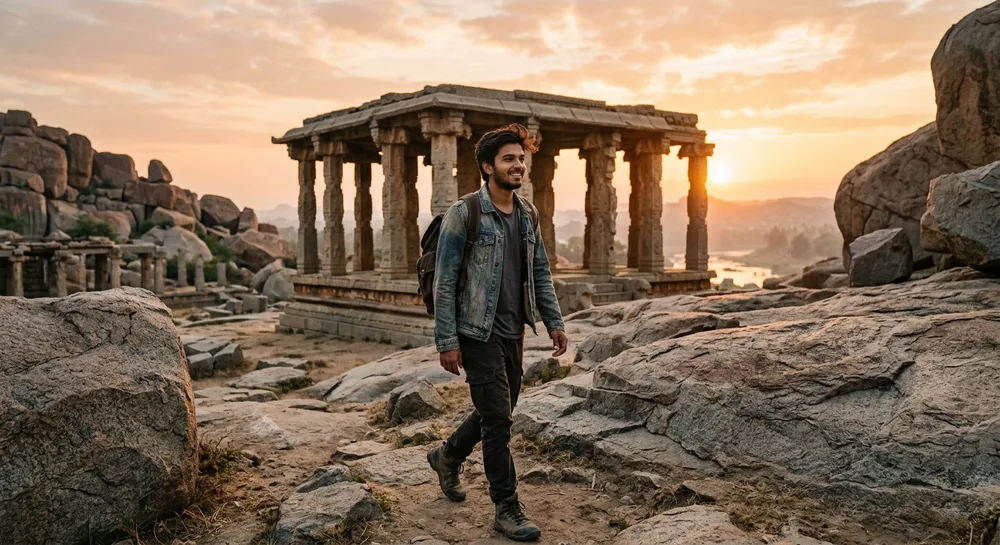
What worked: the side light and the word “candid”. What I had to fix: the first try put a temple tower that does not exist at that spot. If you know the real location, name the structure, or say “ruined pillared hall, no gopuram”.
Prompt 2: Coorg in the mist
Rain and fog are hard to shoot on a phone, which is exactly why this prompt is useful. A yellow raincoat gives the green scene a clean colour pop.
Prompt: Candid travel photo of a young Indian woman in a yellow raincoat holding a steaming cup of coffee on a misty Coorg coffee estate road, green plantation rows, silver oak trees, overcast soft light, 50mm lens look, natural skin, shallow depth of field. No text, no watermark.
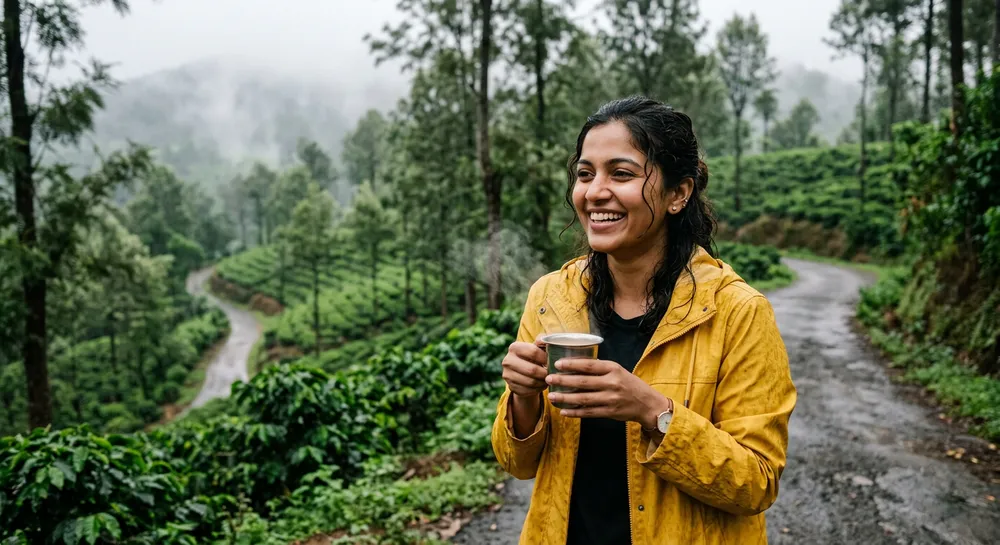
Tip: “silver oak” and “plantation rows” matter. Without them Gemini gave me a generic pine forest that could be anywhere. Local plant names are the cheapest way to make a place feel right.
Prompt 3: Gokarna at dusk
Couple shots are where faces go wrong, so I turned the faces slightly away and used a wide lens. Fewer pixels on faces means fewer mistakes.
Prompt: Candid travel photo of an Indian couple in casual cotton clothes sitting on the sand at Om Beach Gokarna at dusk, rocky cliffs, fishing boats, warm orange and teal sky, wide 28mm lens look, natural skin, faces turned toward the sea. No text, no watermark.
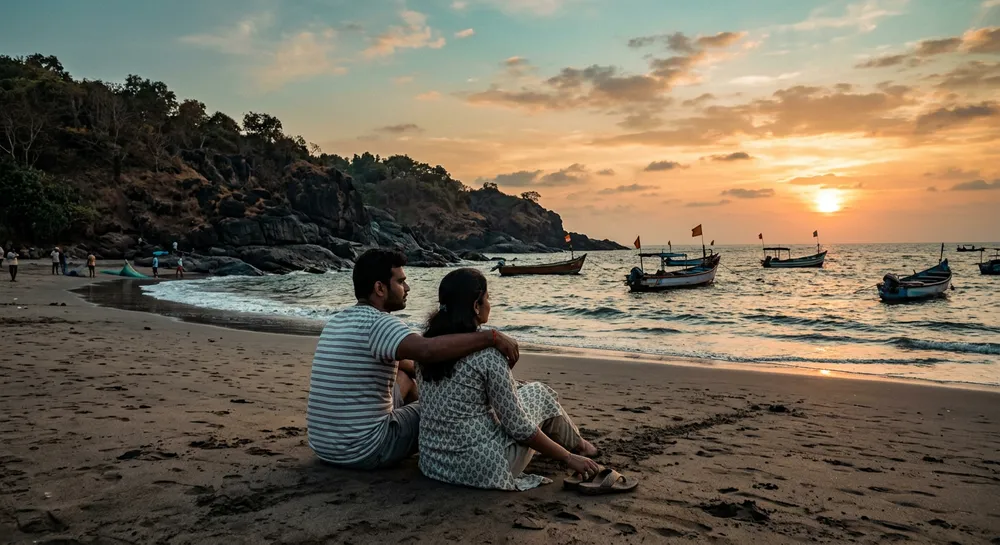
Look closely at hands and sand textures before posting. I still regenerate once or twice for a clean version.
Using your own photo instead
If you want your face in the scene, upload a clear selfie and add one line at the start: “Keep my face, hairstyle and skin tone exactly the same. Change only the background and lighting.” I explained why this line matters in my post on keeping your face the same in Gemini.
For outfits, the Gemini saree photo prompt guide has fabric wording that also works for a temple visit. And if you want a caption on the final image, read how to add Kannada text on AI images, because AI tools still mangle Kannada letters when they draw them.
Fix a near-miss with follow-up edits
This is the part most guides skip. Gemini remembers the conversation, so you rarely need to start over. When an image is 80% right, I send one short correction instead of rewriting everything.
- “Same image, but make the sky overcast and remove the people in the background.”
- “Same scene, change the jacket to a plain white cotton shirt. Do not change the face.”
- “Make it look less polished: add slight grain and reduce the colour saturation.”
Change one thing per message. If you ask for three changes at once, something else usually drifts, often the face or the background.
My before-and-after checklist
Before I save any image I zoom to 100% and check four spots: fingers, the edge of the hair against the sky, any text on signs (it is usually gibberish, so I crop it out), and the shadows. Shadows should fall in the same direction as the sun. If they do not, I regenerate with “sun low on the left, long shadows to the right”.
It adds two minutes. It is also the difference between a photo that looks like a trip and one that looks like a render.
Swap the place, keep the formula
For Mysuru, try a cotton kurta, the palace gate arches and evening bulbs, warm dusk light. For Badami, try red sandstone cliffs, the Agastya lake steps and early morning haze. For Chikmagalur, try a ridge trail, low cloud and a dark green jacket. Only the nouns change.
Common mistakes with a Gemini travel photo prompt
- Stacking adjectives. “Stunning, epic, ultra-realistic, 8K” pushes the image toward plastic. Cut them.
- Naming a famous monument you cannot describe. The model fills gaps with guesses. Describe the pillars and stone colour instead.
- Midday light. If you do not say a time, you often get flat white sky. Always pick sunrise, dusk or overcast.
- Posting without a label. Do not pass an AI image off as a real trip photo. Add “AI-generated” in the caption. It keeps your audience’s trust, and your page’s too.
- Too many people. One or two subjects only. Crowds break faces.
Quick wrap-up
Pick a real place, name its textures, set the light, add a lens line, and keep faces simple. Run the prompt, check hands and faces, then regenerate once. Change the location and clothes and the same structure covers Mysuru, Badami or Chikmagalur.
FAQ
Can I use these prompts in ChatGPT?
Yes. The structure is tool-neutral. Results differ a little, so run each prompt once and compare.
Will Gemini keep my face if I upload a selfie?
Mostly, if you say so clearly and use a sharp, front-facing photo. Check the eyes and jawline before sharing.
Why does the monument look wrong?
The model guesses when a landmark is only named. Describe what it looks like, or say what must not appear.
Is it fine to post these on Instagram?
Yes, but mark them as AI-generated so nobody thinks you visited when you did not.