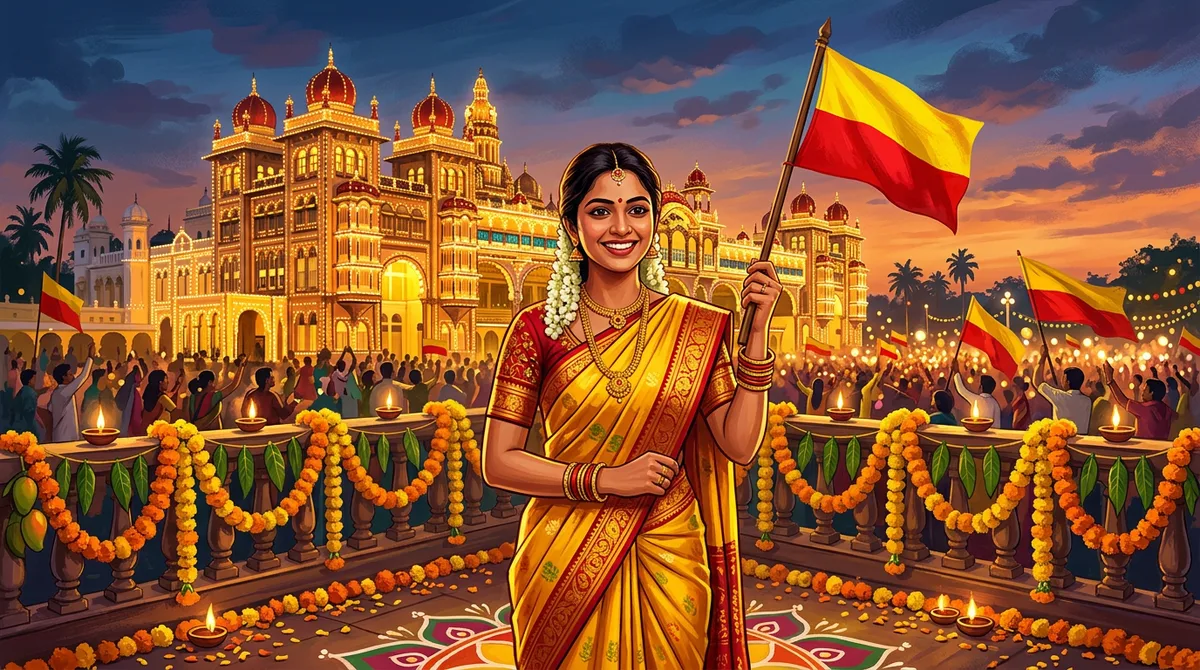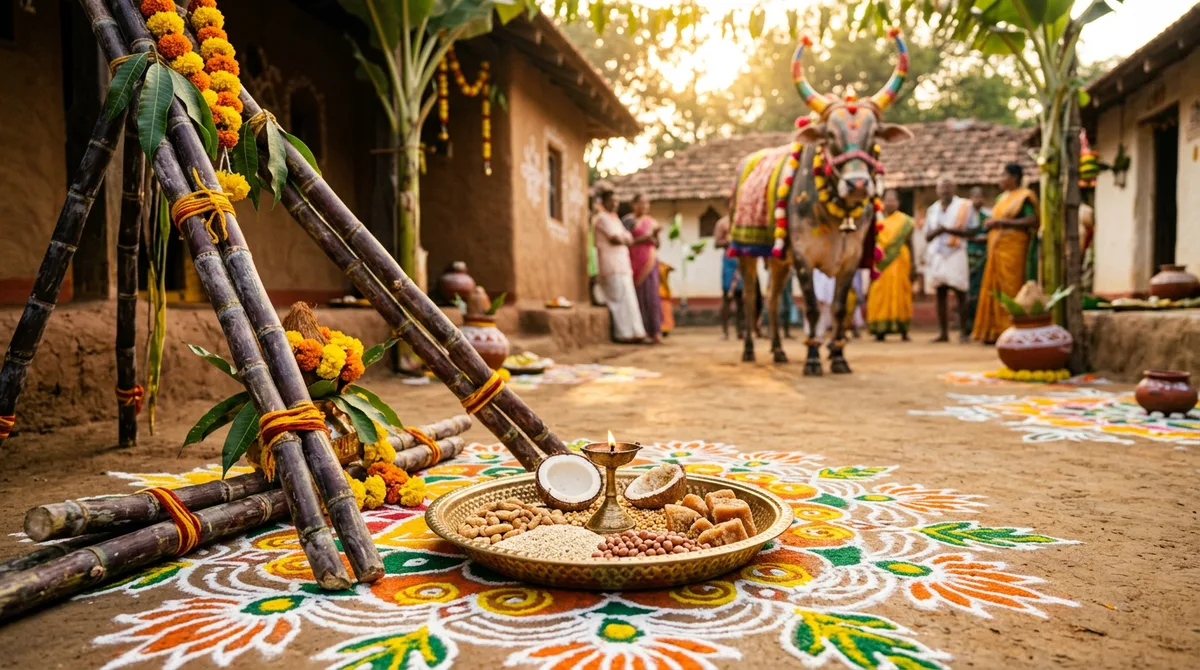
Every January my family group fills up with the same photos: a plate of ellu-bella, a cousin with a sugarcane stalk, somebody’s blurry kite shot. This year I wanted to see how far Sankranti AI photo prompts could go for those festival portraits, so I wrote three templates around the Karnataka version of the harvest festival (Suggi habba) and ran them all. The results, and the exact wording, are below.
You can use them in Gemini or ChatGPT. Nothing here needs a paid trick, just a clear photo and a prompt that says what to change and what to leave alone.
What makes a Sankranti photo look right
Most people write “Sankranti photo, festival, beautiful” and get a generic Indian festival picture with random props. Karnataka Sankranti has specific things that make it feel real, and your prompt should name them:
- Ellu-bella: sesame, jaggery, peanuts, dry coconut and sugarcane pieces, usually on a brass or steel plate.
- Sugarcane and harvest: bundles tied together, green fields, golden morning light.
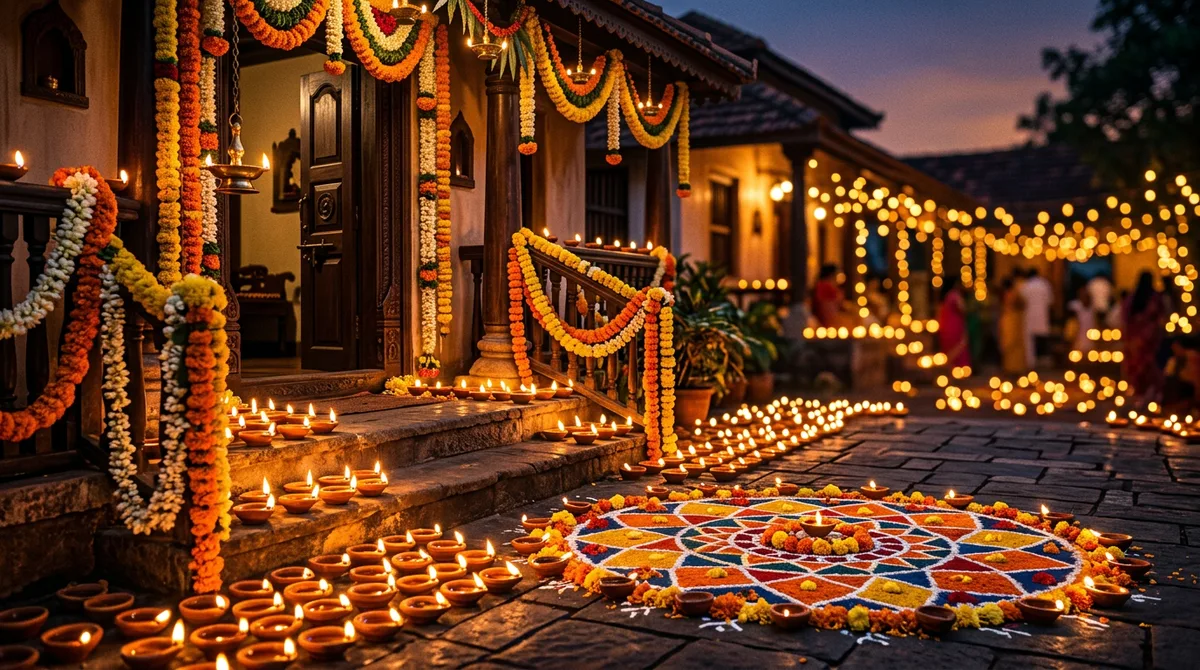
- Rangoli (rangavalli): colourful floor patterns in the courtyard.
- Decorated cattle: painted horns, flower garlands and bright cloth, the Kichchu Haayisuvudu tradition in many villages.
- Clothes: silk sarees in green, yellow or red, veshti with an angavastra, silk frocks for kids.
- Kites: more common in cities, great for rooftop evening shots.
If you skip these, the AI fills the gap with whatever it saw most often online, which is usually not South Indian at all.
The structure I use for every prompt
Five parts, always in this order: who (keep my face), outfit, setting, props, light and camera. Putting the face instruction first matters. I tested this in detail in my post on how to keep the face same in Gemini, and the short version is that the model gives more weight to what it reads first.
Google’s own guidance for editing photos of people says the same thing in other words: describe the change, then state what should stay unchanged. It is worth a quick read in the official Gemini image editing tips.
Prompt 1: Sankranti portrait with ellu-bella and rangoli
Upload a clear, front-facing photo in daylight. Then paste:
Keep my face, hairstyle and skin tone exactly the same as the uploaded photo. Dress me in a dark green Mysore silk saree with a wide gold border and simple gold jewellery. Place me in a South Indian courtyard at sunrise, holding a brass plate of ellu-bella with sesame, jaggery, peanuts, dry coconut and small sugarcane pieces. A large colourful rangoli on the floor in front of me, banana leaves and marigold garlands on the doorway behind. Warm golden hour light, shallow depth of field, natural skin texture, 4:5 portrait. No text, no watermark.
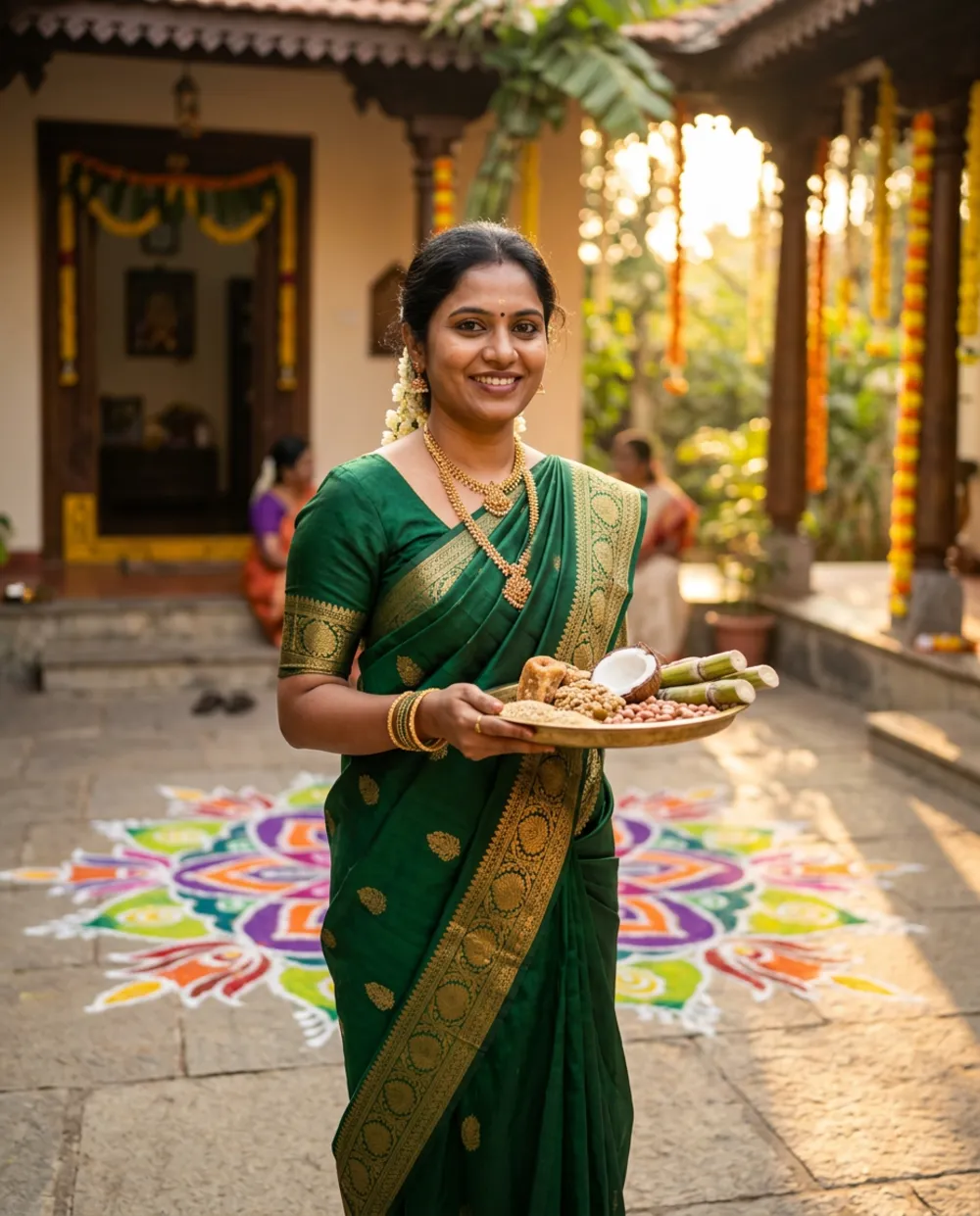
What I liked: the plate contents came out correct on the first try. What I fixed: my first run had a plastic-looking plate, so I added “brass” and it stopped.
Prompt 2: Sugarcane field portrait for men
This one works well for a profile picture or a WhatsApp status.
Keep my face, beard and hairstyle exactly the same. Dress me in a crisp white shirt and cream veshti with a saffron angavastra on my shoulder. Stand me in a green sugarcane field in rural Karnataka at golden hour, holding one sugarcane stalk. A decorated bull with painted horns and flower garlands in the soft blurred background. Natural light, realistic skin, 35mm look, no text.
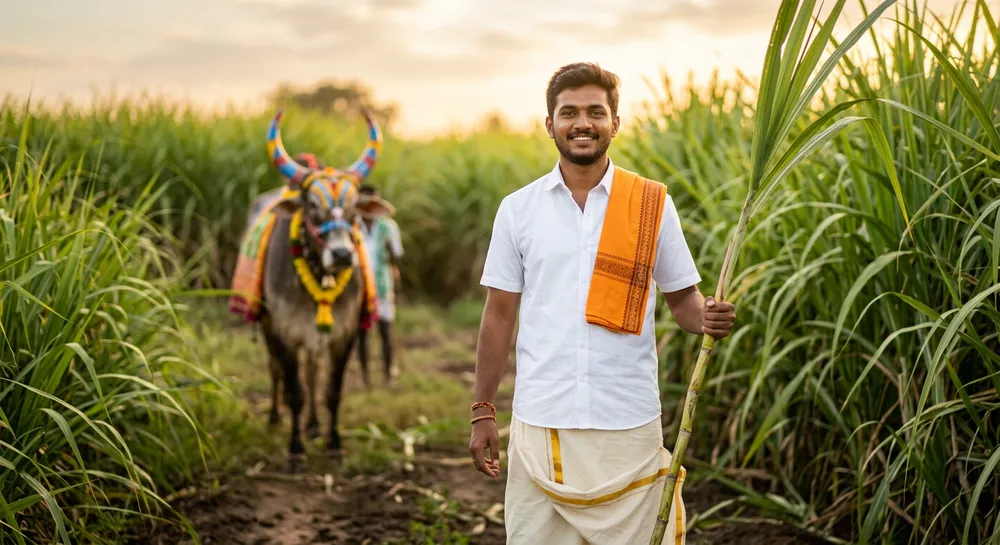
The “blurred background” line is doing real work. Without it, the bull and the farmers behind me all came out sharp and busy, and the eye did not know where to land.
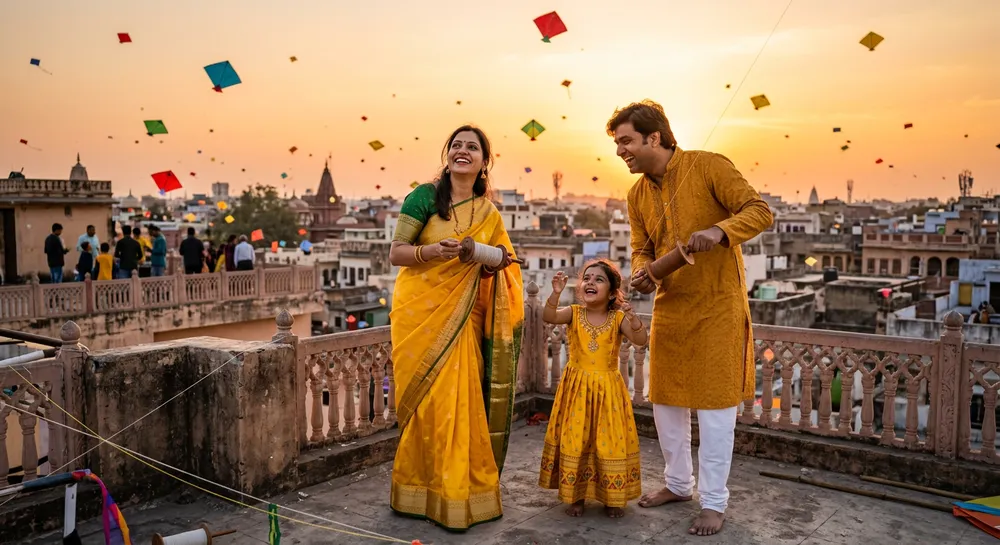
Prompt 3: Family kite photo on the terrace
For group photos, upload one clear picture of each person if you can. Gemini holds likeness better with separate references than with one crowded shot.
Keep every person’s face exactly the same as in the uploaded photos. Dress the woman in a yellow silk saree, the man in a mustard kurta with white pyjama, and the little girl in a yellow silk frock. They stand on a city terrace at sunset flying colourful kites, the sky orange with many kites far away. Candid, laughing mood, warm light, realistic, no text.
Common mistakes with Sankranti AI photo prompts
- Writing “Indian festival” instead of naming things. Name the plate, the cane, the rangoli.
- Too many props. More than five or six and the image turns into clutter. Pick the three that matter.
- Asking for text. A greeting like “Happy Sankranti” will often come out misspelt. Add it afterwards in Canva. I covered the Kannada side of this in Kannada text on AI images.
- Using a dark or tilted selfie. The model copies the weak lighting. Use a bright, straight photo.
- Not saying what to keep. If you skip the face instruction, expect a stranger.
Small tweaks that change the mood
Swap “golden hour” for “soft overcast morning” and the picture feels calmer, closer to a real village morning. Swap “35mm look” for “80mm portrait lens” and the background melts more. If the saree colour is off, name the shade (“bottle green”, “turmeric yellow”) rather than just “green”.
If you liked the festival approach, the same method is in my earlier posts on Rajyotsava photo prompts and Deepavali photo prompts.
My quick test routine before posting
I never post the first result. Here is the routine I follow, and it takes about five minutes.
- Zoom to 100% on the face and compare it with the original. Check the eyes, the nose bridge and the smile lines.
- Look at the hands. Fingers holding a plate or a stalk are where AI slips most. If one looks wrong, regenerate with “hands holding the plate naturally, five fingers visible”.
- Check the saree border and the jewellery. Extra or missing bangles are common, and relatives will notice.
- Read the props. A plate of ellu-bella should show sesame, jaggery and sugarcane. If it shows random sweets, say so in the prompt and run it again.
- Save the best version, then do small colour fixes in Snapseed. My Snapseed selective tool guide shows how to brighten only the face without touching the sky.
Two or three regenerations is normal. If you are on a fifth try with no improvement, the problem is usually the uploaded photo, not the prompt.
Final thoughts
Good festival prompts are specific, short enough to read in one breath, and honest about what must not change. Start with Prompt 1, look at the first result, then edit one line at a time. Do not rewrite the whole prompt after every try, or you will never learn which line did what.
FAQ
Which tool is best for Sankranti AI photo prompts?
I ran these in an image generator, but the wording works in both Gemini and ChatGPT. Gemini tended to hold faces better when I uploaded a reference photo, so test both with your own photo.
Will the face match exactly?
Close, not perfect. Always put the keep-face instruction first and use a bright, front-facing photo.
Can I add Kannada greetings inside the image?
You can try, but Kannada letters often break. Generate the picture without text and add the greeting in a design app.
Is it fine to share these on WhatsApp and Instagram?
Yes for personal posts. Mention that the image is AI-generated if you post it publicly.