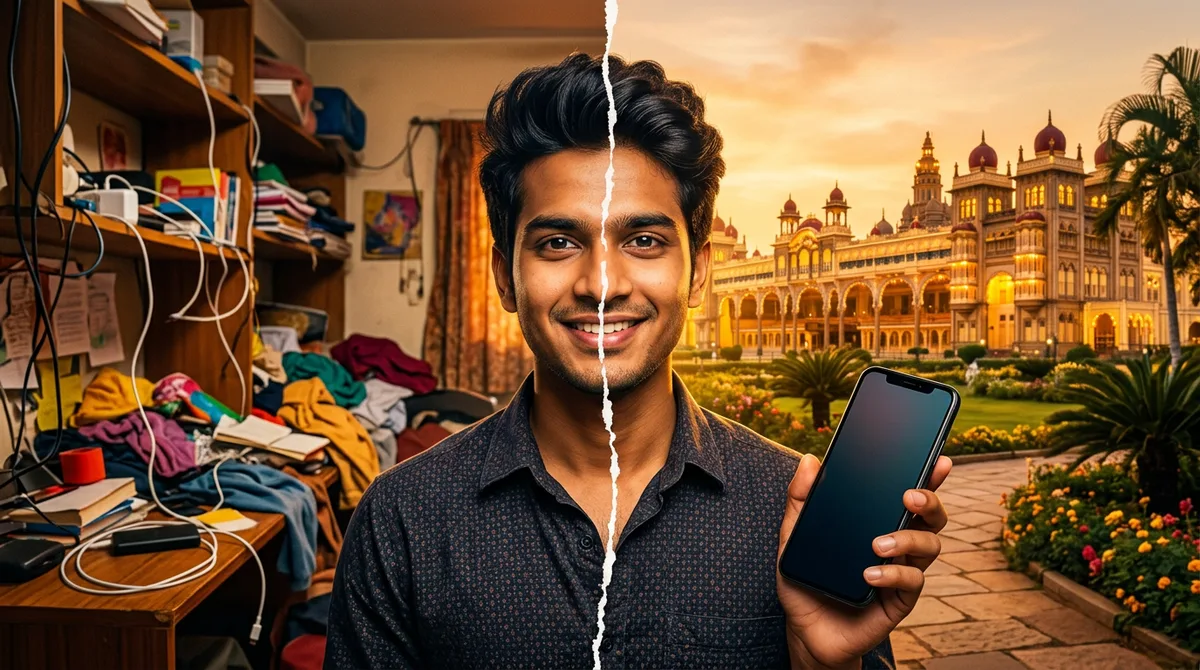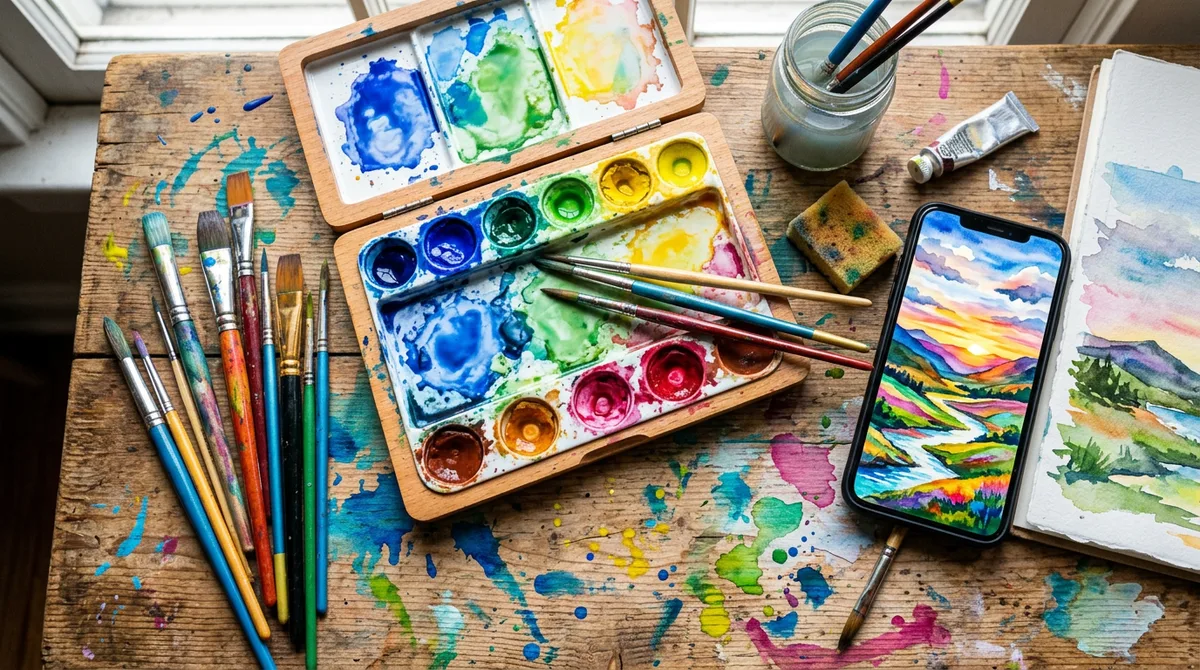
Last week I tried to paint my cousin’s Deepavali photo by hand. Ten minutes in, the diya looked like a yellow blob and the paper was soaked. So I handed the job to Gemini instead. A good Gemini watercolor painting prompt gave me something I could actually print and frame, and it took under a minute.
The catch is that watercolour is easy to fake badly. Ask for “watercolor painting” and you often get a glossy digital illustration with a paper filter on top. Below are three templates I ran myself, what made each one work, and the mistakes that ruined my first tries.
Why a plain “make it a watercolor” request looks fake
Real watercolour has three things: thin transparent washes, pigment that bleeds where the paper is wet, and untouched white paper. A vague prompt gives Gemini none of that, so it paints with solid colour and sharp edges.
When you name the technique, the result changes. Words like “wet-on-wet washes”, “paper texture” and “white paper margins” tell the model what to copy. Google’s own tips for its image model say the same thing in general terms: describe the style and materials specifically instead of using one broad word. They are in the official Nano Banana tips from Google.
The four parts of a good watercolor prompt
- Subject. Who or what is in the painting, in one clear line.
- Technique. “Wet-on-wet washes”, “ink outlines with watercolour”, “loose and soft”.
- Paper and edges. “Visible paper grain”, “white margins”, “uneven deckled edge”. This is what sells the handmade feel.
- Palette. “Soft pastel”, “warm orange and yellow”, “muted earthy tones”. Without it Gemini picks neon colours.
If you are painting your own photo, add one more line: keep the face and pose the same. I explain why that line matters in my guide on keeping the face the same in Gemini.
The master Gemini watercolor painting prompt
Upload your photo, then paste this and fill the brackets:
Prompt: Turn this photo into a [loose / detailed] watercolour painting. Keep the person’s face, expression and pose exactly the same. Use [wet-on-wet washes / ink outlines with watercolour], a [soft pastel / warm / earthy] palette, visible cold-press paper texture and white paper margins. Leave some areas unpainted. No text, no signature, no watermark.
The “leave some areas unpainted” line is my favourite trick. Real painters never fill every corner, and that one sentence stops the picture from looking like a digital render.
Look 1: Soft portrait in a silk saree
This is the one to try on a family portrait. The background dissolves into colour and the face stays the focus.
Prompt used: Loose watercolour painting of a Kannadiga woman in a green silk saree with jasmine in her hair, soft wet-on-wet washes, visible paper texture, white paper margins, gentle pastel palette. No text, no watermark.
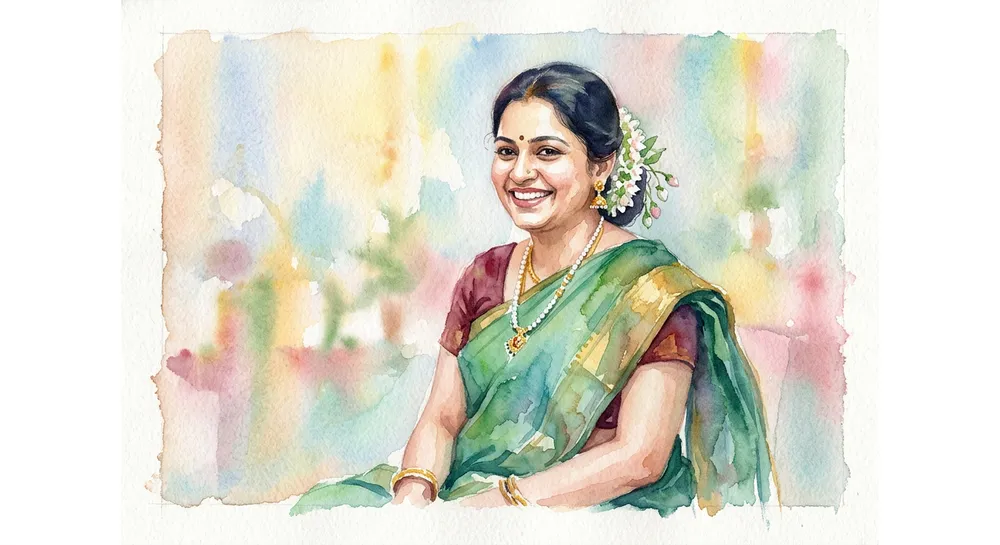
“Gentle pastel palette” kept the saree from turning neon green. When I left the palette out, the background came back as hard blue and pink stripes.
Look 2: Ink and watercolour palace sketch
Buildings need structure, so I asked for fine pen lines under the colour. This is the style you see in travel sketchbooks.
Prompt used: Watercolour and ink painting of an Indo-Saracenic royal palace with domes and arches glowing at sunset, bold pigment blooms, fine pen outlines, paper grain, white margins. No text.
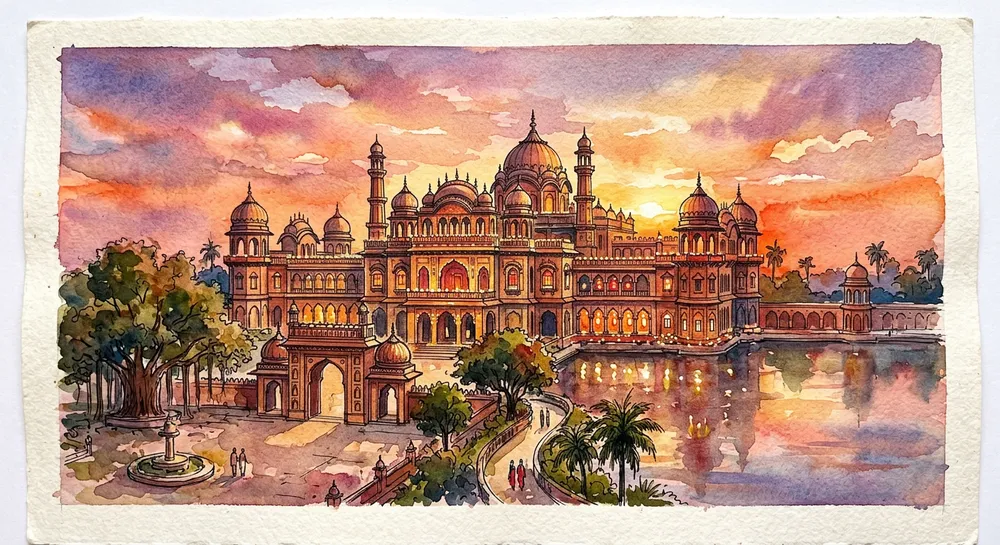
My first attempt, where I named a specific real palace, was rejected by the image tool. Describing the architecture instead (“Indo-Saracenic, domes and arches”) worked. If your own request is blocked, rephrase it by describing the look rather than naming the place.
Look 3: Festival child with a diya
Warm light is where watercolour shines, because yellow and orange blend so well on wet paper.
Prompt used: Soft watercolour portrait of a smiling child holding a diya during Deepavali, warm orange and yellow washes, delicate splatter, paper texture. No text, no watermark.
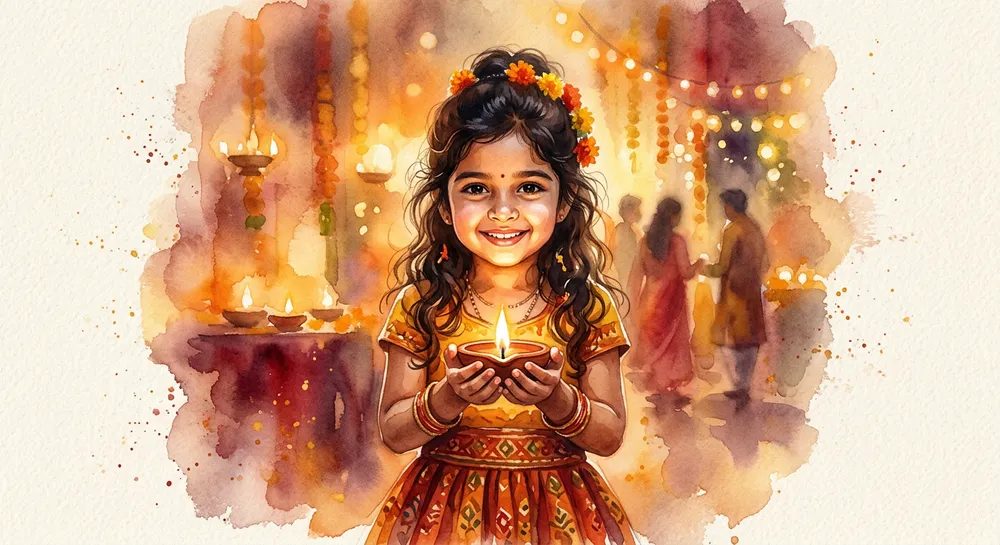
“Delicate splatter” adds the little paint dots around the edge. Use it once. Writing “splatter” twice gave me a messy, noisy picture. For more festival ideas, see my Deepavali AI photo prompts.
One more tip: say the shape you want. If the painting is going on a card or a frame, add “square composition” or “portrait orientation” to the prompt, and check the margins before you save it. Gemini does not always follow it, so retry once if the crop is off. Small habits like this save a lot of retries and keep the white paper edges you asked for.
Which style suits which photo
- Loose wet-on-wet: portraits, couples, children, saree photos.
- Ink and watercolour: temples, palaces, streets, travel photos.
- Warm splatter style: festivals, birthdays, wedding invitations.
Temple photos work especially well in the ink style. If that is your plan, my Gemini temple photo prompt covers the safe way to describe sacred places.
Fixes when the painting looks wrong
- Looks like a digital illustration: add “cold-press paper grain, uneven edges, hand-painted”.
- Too much detail: write “loose, minimal detail, suggest the background only”.
- Colours too loud: name a palette, such as “muted earthy tones”.
- Face changed: repeat “face, expression and pose exactly the same” and upload a clearer, front-facing photo.
- Fake signature in the corner: add “no text, no signature”.
Common mistakes with a Gemini watercolor painting prompt
- Using the word “watercolor” alone. Add technique, paper and palette.
- Cramming ten styles. “Watercolour, oil, anime and cyberpunk” gives mud. Pick one.
- Skipping the margins. White paper edges are half of the handmade look.
- Using a dark, blurry source photo. The painting copies the problem. Start with a bright photo.
- Changing five things per retry. Change one line at a time so you learn what worked.
How I tested these
I ran each prompt in the Gemini app and kept the best result from the batch, so treat the examples as a good outcome, not a promise. The pattern held, though. Prompts with technique, paper and palette gave a believable painting almost every time. The short ones changed style on every try.
If you like a prompt, save it in your notes and only swap the subject next time. Your whole set of family paintings will then match. To build prompts for styles this article does not cover, my guide to writing AI image prompts breaks down subject, light and style.
FAQ
Can I use my own photo?
Yes. Upload it, use the master template and keep the “face stays the same” line.
Is this free in the Gemini app?
Image generation is available in the free app, but daily limits apply and can change. Check the app for your current limit.
Can I print the painting?
You can, but the output resolution is limited. Print small or medium sizes, and check the image on screen first.
Why did my prompt get rejected?
The image tool sometimes blocks requests that name specific real places or people. Describe the style and architecture instead.
Wrap-up
A good gemini watercolor painting prompt is subject, technique, paper and palette, plus one line that protects the face. Start with the saree portrait style, then try the palace sketch on a travel photo. Tell me which one your family liked most.