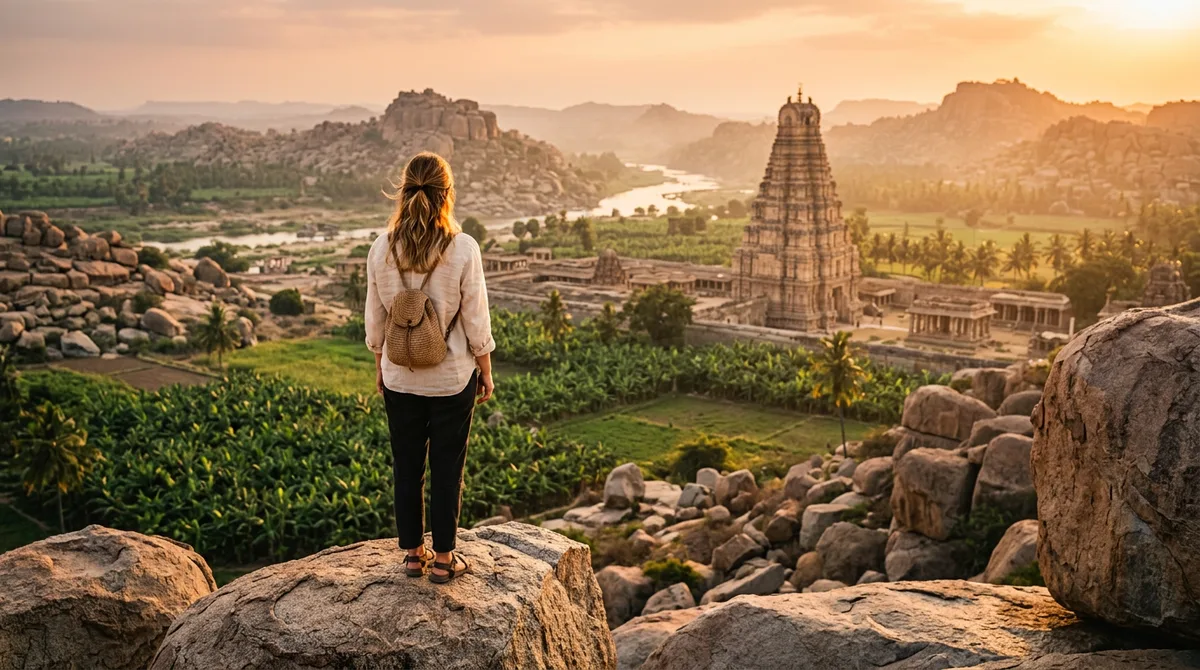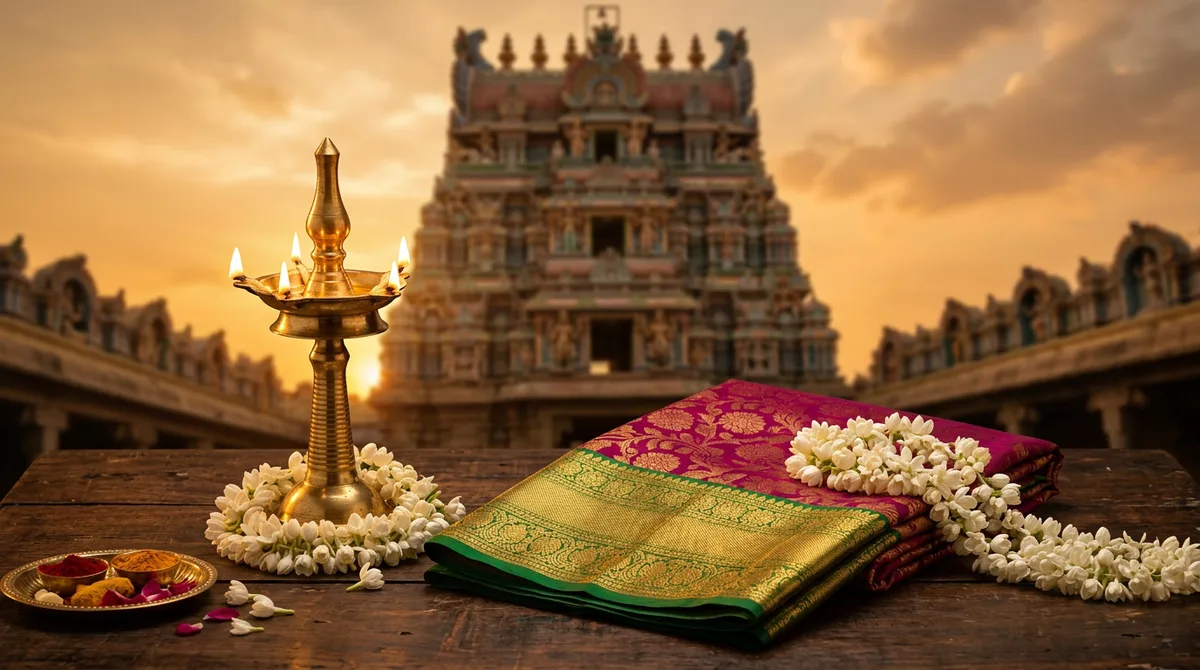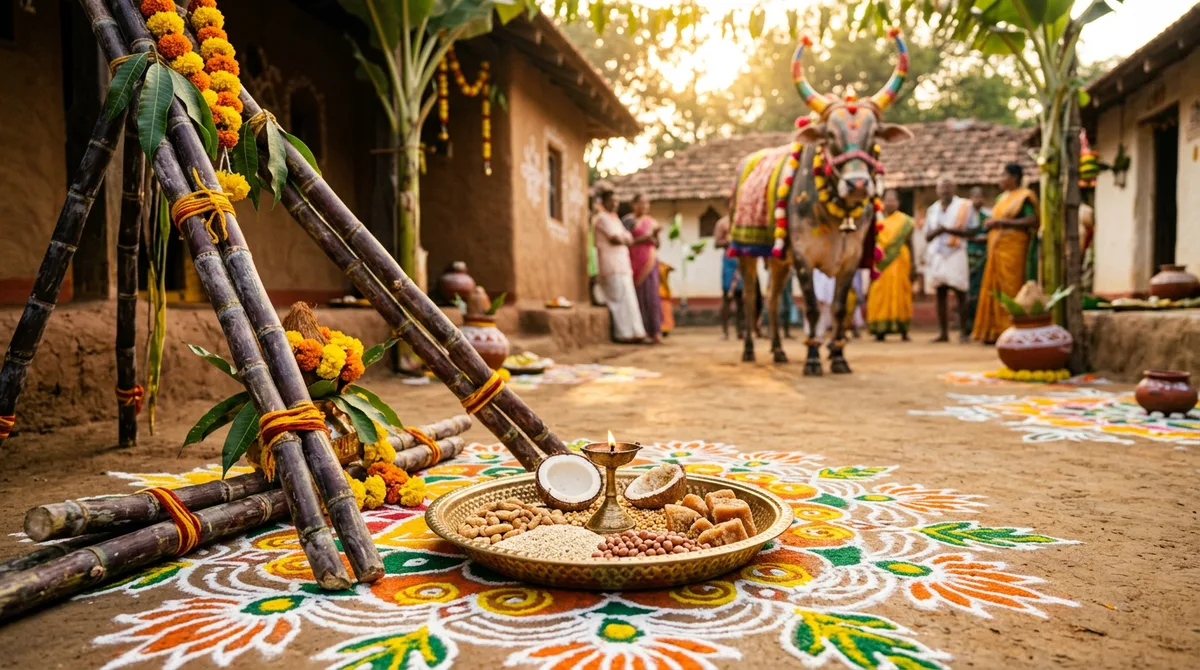
Temple photos on a phone almost always disappoint. The carvings go flat, the crowd walks into every frame, and the lamp glow turns into a yellow smudge. I wanted a Gemini temple photo prompt that fixes those three things, so I tested one formula on three very different Karnataka-style scenes: a Hoysala stone wall in morning light, a diya-lit pillared corridor, and a gopuram at blue hour.
It works two ways. You can generate a scene from text, or upload your own photo and ask Gemini to rebuild the light and background. The same wording also works in ChatGPT.
What a Gemini temple photo prompt must describe
Temples are hard for an image model because they are full of fine repeating detail. If you only write “temple, beautiful, 4K”, you get a generic fantasy building. Three things make the difference:
- The architecture style. “Hoysala-style star-shaped stone platform with carved walls” is far better than “old temple”. Dravidian gopuram, Chalukya pillars and Vijayanagara mandapa are all words the model understands.
- A light source you can picture. Early side light shows carving depth. Lamp glow needs the words “many small oil lamps, soft warm glow”.
- A realism line. “35mm lens look, natural skin, slight film grain” pulls the result away from the glossy AI finish.
Google’s own guidance says the model follows conversational, descriptive instructions and keeps a scene consistent through edits, so you do not need a 200-word spell. The official tips are on the Google Gemini blog.
The five-part formula
- Subject and action: who, doing what. Standing on steps, holding a lamp, walking. Avoid stiff poses.
- Clothes: simple and traditional. Silk saree with a gold border, cotton kurta and dhoti.
- Temple details: architecture style plus two textures, such as carved pillars or marigold garlands.
- Light: time of day plus one mood word.
- Camera and exclusions: lens look, natural skin, “no text, no watermark”.
Skeleton: [subject doing action], wearing [clothes], at a [architecture style] temple with [two details], [light and mood], [lens] look, natural skin, no text, no watermark.
Prompt 1: Hoysala wall in morning light
This is the portrait look. I wanted the stone carving to be sharp behind the person, with light coming from the side so every ridge casts a shadow.
Prompt: Candid realistic photo of a young Indian woman in a green silk saree with a gold border and jasmine in her hair, standing on carved stone steps of a Hoysala-style temple in Karnataka at early morning, soft golden side light, star-shaped carved stone walls behind her, 35mm lens look, natural skin, slight film grain. No text, no watermark.
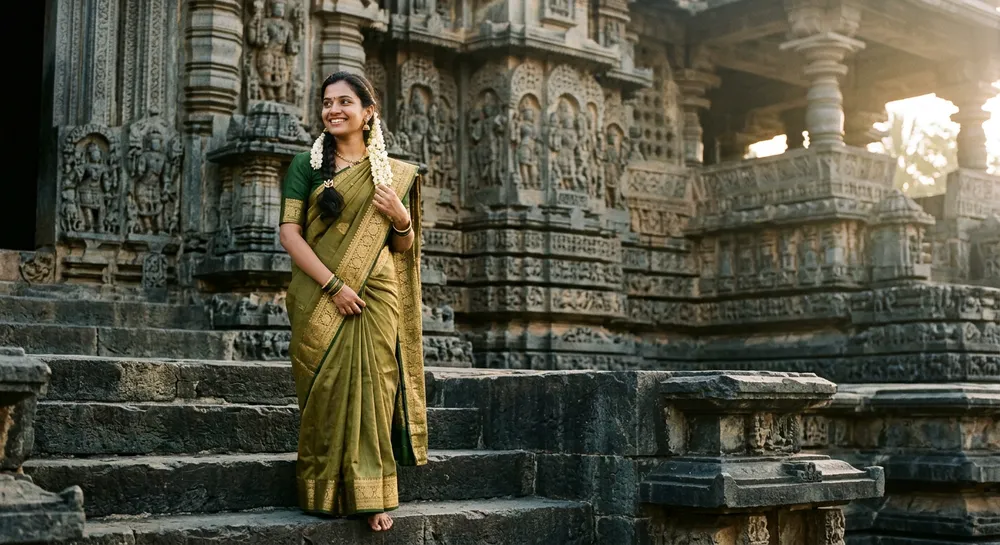
The carving came out detailed and the light direction was right on the first try. If you want a saree-specific look, my Gemini saree photo prompt guide goes deeper on fabric and drape wording.
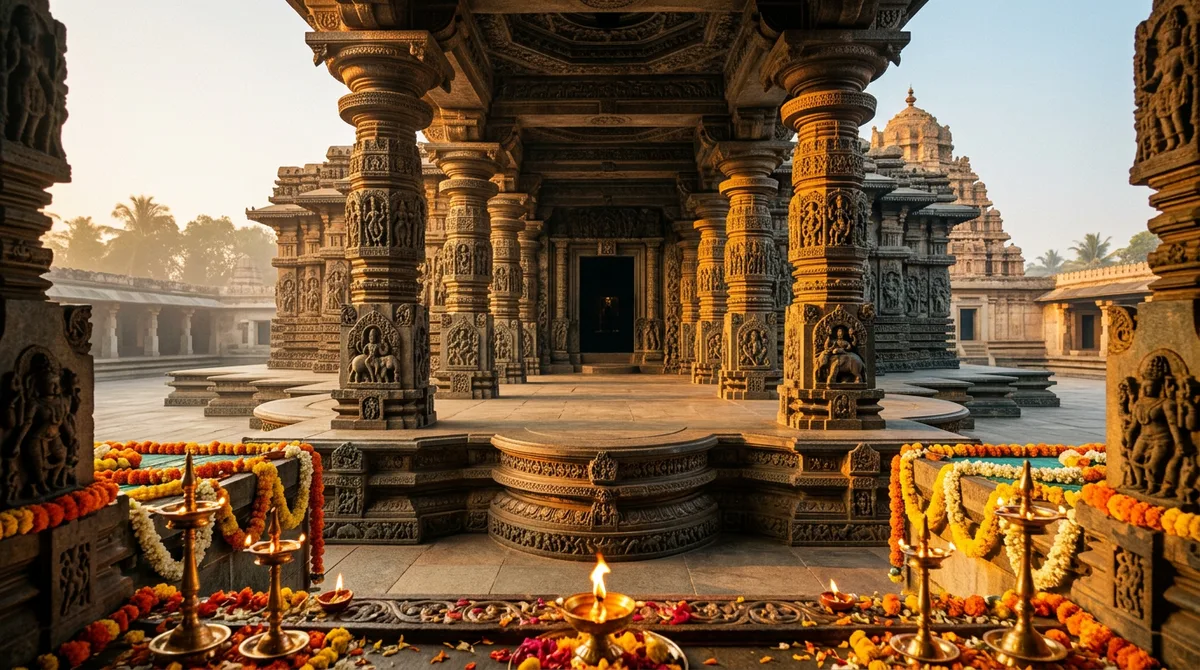
Prompt 2: diya-lit corridor at evening
Lamp glow is where most people fail. The trick is to say the lamps are small and many, and to name a shallow depth of field so the background lights blur softly.
Prompt: Realistic evening photo of a young Indian man in a cream cotton kurta and dhoti holding a small brass diya, standing in a pillared stone temple corridor in Karnataka, warm lamp glow, many small oil lamps glowing softly in the background, shallow depth of field, 50mm lens look, natural skin. No text, no watermark.
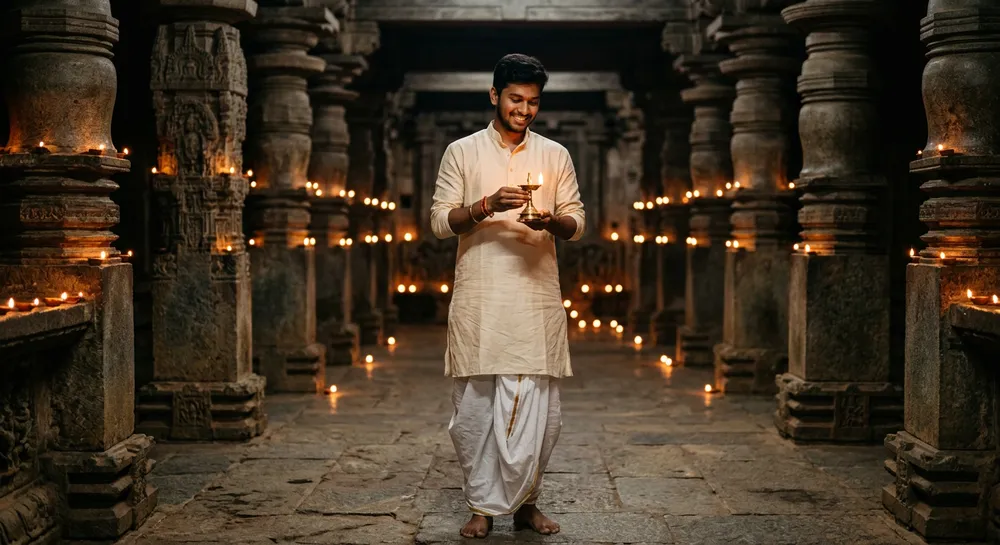
The row of lamps leads the eye down the corridor, which is exactly what real temple photographers aim for. This look suits Karthika masa and Deepavali posts. For the festival version, see my Deepavali AI photo prompts.
Prompt 3: gopuram at blue hour with family
Group shots are harder, because the model can mix up faces and clothes. Walking away from the camera avoids that and gives a lovely story-like frame.
Prompt: Realistic family photo of an Indian couple and their small daughter in traditional clothes, walking away from the camera on a stone path toward a tall South Indian gopuram at blue hour, lit tower, light drizzle reflections on the ground, 35mm lens look, natural look. No text, no watermark.
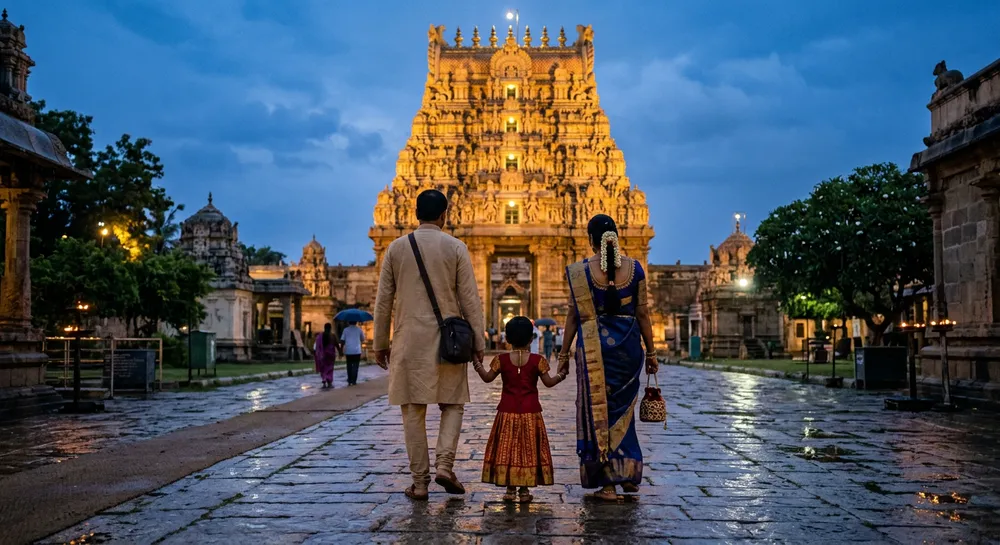
The wet-ground reflection did most of the work here. I got the drizzle by naming it; without that line the path looked dry and flat.
Using your own photo instead
Upload a clear photo of yourself and write: Keep my face, hair and clothes exactly the same. Change only the background to a Hoysala-style temple wall in soft morning light. The “keep exactly the same” sentence matters. If the face still drifts, read my guide to keeping your face the same in Gemini.
Small wording swaps that change the result
After about twenty test runs, these swaps made the biggest visible difference. Change one at a time so you can see what each does.
- “Soft golden side light” vs “overcast soft light”. The first gives deep carving shadows. The second gives calm, even skin and works better for close portraits.
- “35mm” vs “85mm portrait lens”. 35mm shows more of the temple. 85mm blurs the stone and keeps the face the hero.
- “Slight film grain” vs nothing. Without it, stone and skin both look polished and plastic.
- “Marigold garlands and brass lamps in the foreground”. Adding foreground objects gives depth, so the frame feels shot rather than pasted.
- Aspect ratio. Ask for “vertical 4:5” for Instagram posts, or “wide 16:9” for a YouTube thumbnail or banner.
I also keep a tiny note on my phone with the five-part formula. When a new festival comes, I only swap the clothes and the light, and the rest stays the same. That saves a lot of retyping and keeps my results looking like one set.
Common mistakes with temple prompts
- Asking for the inner sanctum. Do not generate a deity or sanctum scene with people posing in front of it. Keep to outer walls, corridors, pillars and gopurams. It is respectful, and the model handles it better.
- Vague place names. “Karnataka temple” is weaker than a style word like Hoysala or Dravidian.
- Too many people. Past three, faces get messy. Walk them away from the camera.
- Harsh midday light. If you do not name the light, you often get flat noon sun.
- Posting it as a real visit. These are AI images. Label them as AI-generated, and never pass one off as a photo taken at a real temple.
Quick fixes when the result is off
Do not rewrite the whole prompt. Send one follow-up: “Same image, make the light warmer and remove the people in the background”, or “Make the stone carving sharper.” One change per message works best.
FAQ
Which temple styles can Gemini draw well?
In my tests the Hoysala star platform, Dravidian gopuram and pillared mandapa all came out recognisable. Exact real temples are less reliable, so describe the style rather than only the name.
Can I use these prompts in ChatGPT?
Yes. The formula is plain English, so it works in ChatGPT image generation too, though the look differs slightly.
How do I stop strangers appearing in the frame?
Add “empty stone path, no other people” to the prompt, or send a follow-up asking to remove background people.
Are these images safe to post?
Yes, if you label them as AI-generated and avoid showing sacred sanctum imagery or real people without permission.
A good Gemini temple photo prompt is short, specific and respectful. Try Prompt 1 first, change only the clothes and light, and see how far one formula takes you.